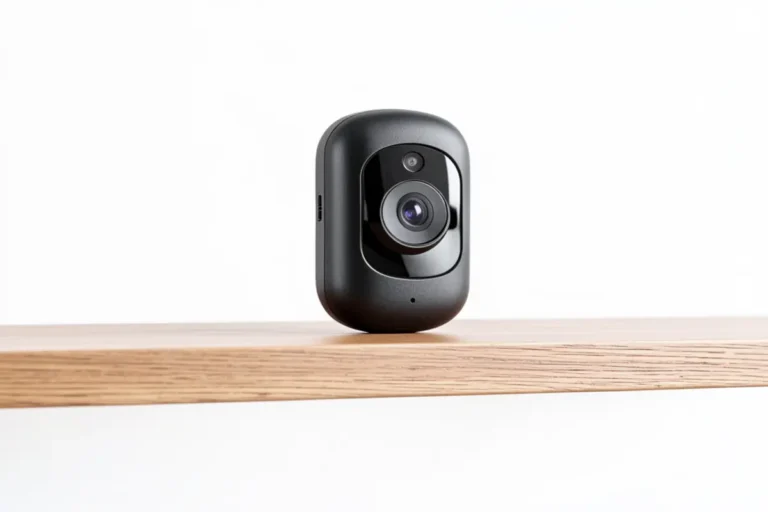

You’re in the middle of making dinner, the kids are loud, and you have zero idea who just rang your doorbell. Do you stop everything, wipe your hands, and trek to the front door — only to find out it was a package delivery you missed by ten seconds? Yeah. That was me, every single week, until I finally caved and got a video doorbell. I’ll be honest — I was skeptical it would actually make my life easier. Spoiler: it mostly did, but not without a few surprises along the way.
Affiliate Disclosure: This post contains Amazon affiliate links. If you buy through them, HomeGadget.tech may earn a commission at no extra cost to you. This does not affect which products we recommend or how we evaluate them.
Who Should (and Shouldn’t) Buy This
Let me be upfront about this before we get into anything else, because I think it matters more than any spec sheet.
If you’re a busy parent — someone who’s constantly juggling school pickups, work calls from home, grocery deliveries, and the general beautiful chaos of family life — a smart video doorbell is genuinely useful. Not in a “luxury gadget” way. In a real, daily-life way. You can check who’s at the door from your phone without stopping whatever you’re doing. You can speak to the delivery driver without opening the door. You can see if your kid made it home from school. These aren’t small things.
This product is also a solid fit if you’ve never owned a smart home device before and you want something that doesn’t require an IT degree to set up. The learning curve here is minimal. If you can use a smartphone, you can use this.
Now, who shouldn’t bother? If you’re already deep into a smart home ecosystem and want something with advanced integrations, local storage, or professional-level video quality, this entry-level option might leave you wanting more. Tech enthusiasts who want full control over settings and footage will probably find the feature set too limited. Also — renters in buildings with communal entrances, this isn’t built for your situation.
Product Overview
| Feature | Details |
|---|---|
| Product Name | Video Doorbell (Entry-Level Smart Model) |
| Key Features | HD video, two-way audio, motion detection, night vision, smartphone alerts, cloud storage |
| Smart Home Compatibility | Works with Alexa; limited Google Home support |
| Power Source | Battery-powered (rechargeable) |
| Price Range | $50 – $100 (varies by retailer and sales) |
| Storage | Cloud (subscription required for video history) |
| Our Star Rating | ⭐⭐⭐⭐ (4/5) |
In-Depth Review
User-Friendliness: The Part That Actually Impressed Me
Okay so here’s the thing — I expected the setup to be a headache. I’ve set up “easy” smart devices before that had me on a customer service call for 45 minutes. This was not that experience.
When I first installed this, I had it mounted and connected to my WiFi in under 20 minutes. And I was doing this with a four-year-old asking me questions the entire time. The app walked me through each step visually, and I didn’t have to touch a screwdriver more than twice. For beginners — especially parents who don’t have a spare afternoon to fiddle with tech — that kind of setup experience genuinely matters.
The app itself is clean. You get notifications when motion is detected or someone presses the bell. You can see live video, tap to talk, or just ignore it if you’re in the middle of something. Motion sensitivity is adjustable, which I had to tweak because it was initially going off every time a car drove by.
Performance and Features
The video quality is solid for the price range — clear enough during the day that you can read a package label or recognize a face. Night vision is where things get a little less impressive. It works, but the image gets grainy and the range is maybe 8-10 feet at best. If your front porch is long or poorly lit, you might miss important details at night.
Two-way audio is genuinely useful. I’ve used it to tell delivery drivers where to leave packages, which has saved a handful of packages from being left in the rain. The audio on both ends is clear enough for a quick conversation, though there’s a slight delay — maybe half a second — which makes it feel a bit awkward at first.
Motion detection is reliable but not always smart. It picks up everything — people, cars, a plastic bag blowing across the porch. You can create motion zones to narrow the detection area, which helps. But if you’re expecting AI-level detection that distinguishes between a person and a moving branch, that’s not what you’re getting at this price point.
In terms of smart home compatibility, it pairs with Alexa, so if you have an Echo device with a screen, you can pull up the doorbell feed by voice. Google Home support is limited. If you’re a HomeKit person, look elsewhere — there’s no Apple integration here.
Appearance and Design
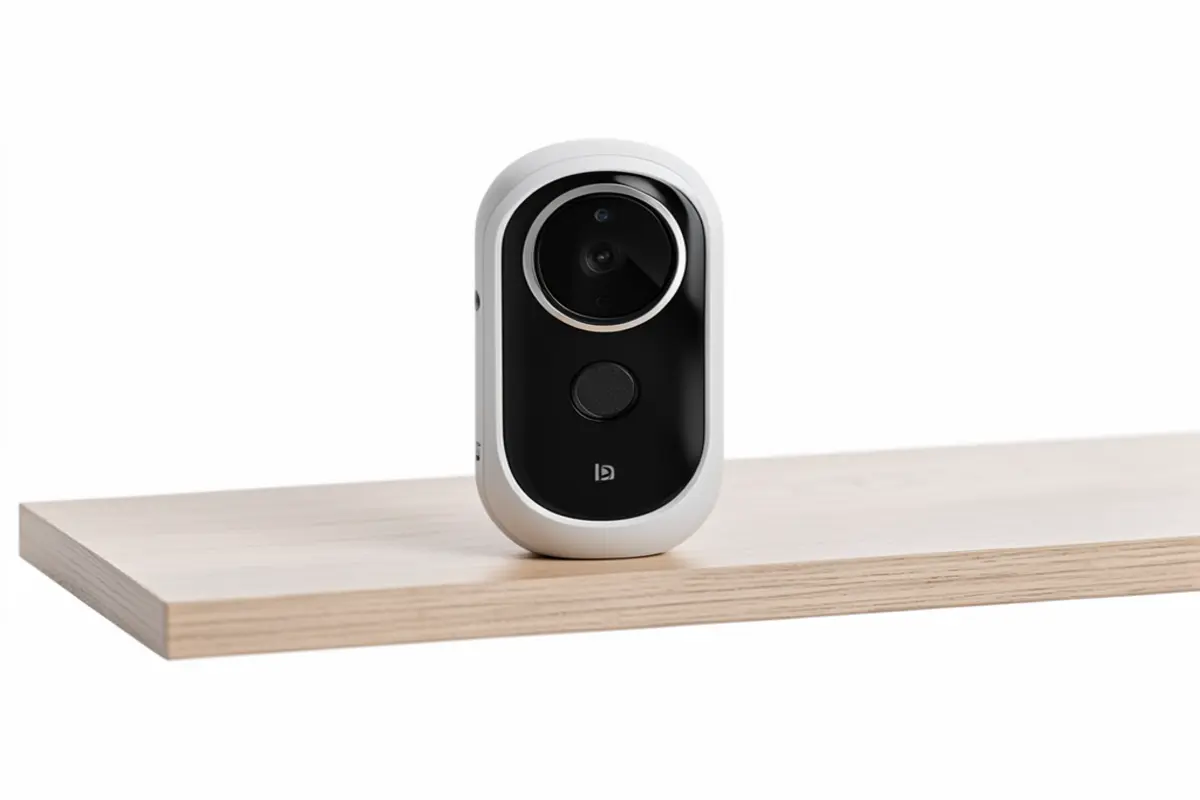
It’s not ugly, which might sound like faint praise but honestly, a lot of budget tech devices look cheap. This one has a clean, compact design that doesn’t scream “security camera” from the street. The housing feels solid and it comes in a couple of neutral color options that blend into most door frames.
The mount is adjustable, which helps if your doorbell position isn’t perfectly centered or you want to angle the camera slightly. I did find that the angling options are somewhat limited — if your door has a very particular setup, you might need a separate wedge mount.
Durability and Quality
After using it for a while — we’re talking several months through rain, a cold snap, and one surprisingly warm spring — it’s held up fine. The weatherproofing does what it promises for normal conditions. I haven’t had any issues with moisture getting in or the battery life dropping dramatically in the cold, though I did notice charging was needed slightly more often when temps dropped below freezing.
The build feels sturdy. It’s not heavy-duty industrial, but it doesn’t feel fragile either. For a front-door install in a typical suburban home, it’s more than adequate.
Value for Money
Here’s where I get a little skeptical. The device itself is reasonably priced. But the subscription model for cloud storage is something to think about before you buy. Without a subscription, you get live view and alerts — but no recorded video history. That means if you miss a notification and something happened at your door, you have no footage to review. For a busy parent, that’s actually a real limitation.
The subscription isn’t expensive — usually a few dollars a month — but it’s an ongoing cost that adds up. Worth knowing upfront rather than discovering it after you’ve already mounted the thing on your door frame.
Honest Pros and Cons
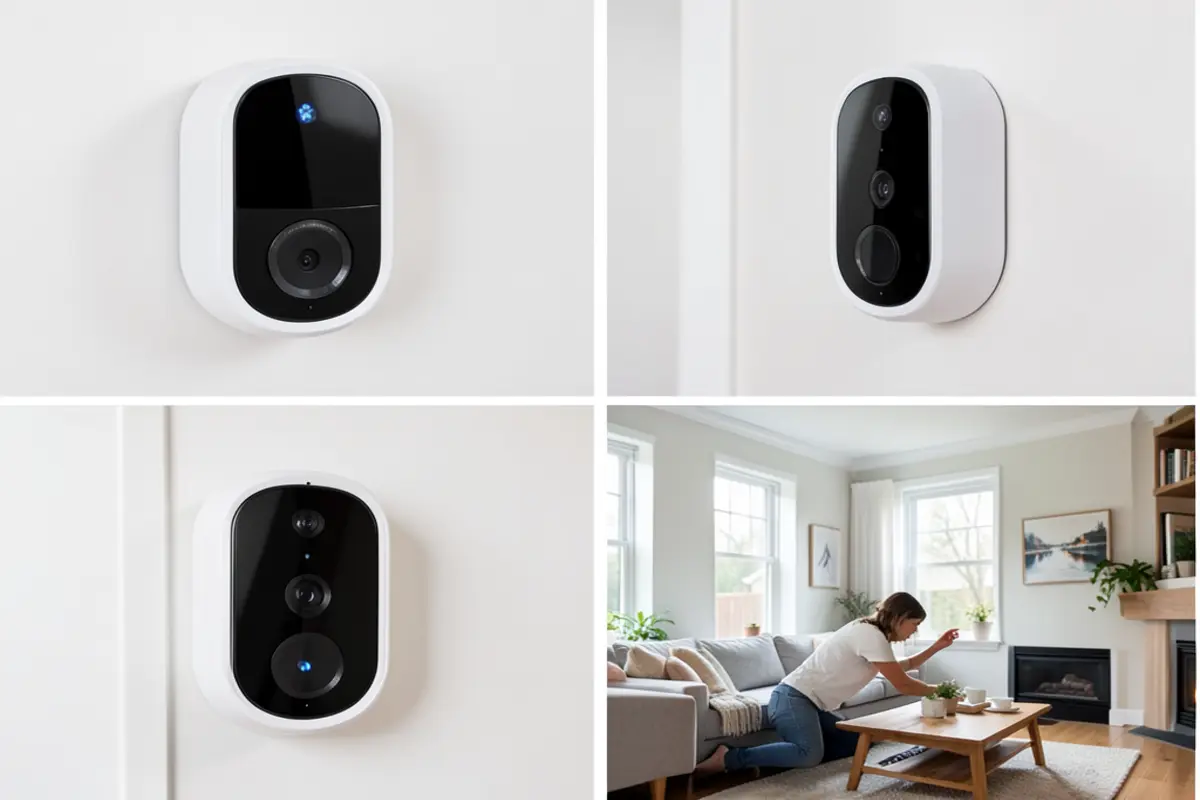
The Good Stuff
- Genuinely easy setup — even for complete beginnersApp is intuitive and doesn’t require a tutorial to figure outGood daytime video quality for the priceTwo-way audio works well for quick conversationsBattery life is solid — weeks between charges under normal useMotion zones help reduce unnecessary alertsWorks with Alexa for voice-controlled viewing
- Weatherproofing holds up through typical seasonal conditions
The Not-So-Good Stuff
- Night vision quality is mediocre — grainy and short-rangeNo recorded video history without a paid subscription — this is a genuine downsideMotion detection isn’t very smart — lots of false alerts without manual zone setupLimited smart home integration — no Apple HomeKit, basic Google Home supportAudio delay in two-way talk can make conversations feel slightly off
- Angling options are limited without a third-party wedge mount
How It Compares to the Competition
The most direct comparison here is the Eufy Security Video Doorbell, which sits in a similar price range but takes a noticeably different approach to storage. Eufy includes local storage on-device, which means you get video history without paying a monthly subscription. That’s a meaningful advantage if you’re budget-conscious over the long term.
What Eufy doesn’t do as well, in my experience, is the beginner-friendliness. The app has more features, but that also means more settings to navigate, more decisions to make during setup. For a parent who just wants to tap an app and see who’s at the door without spending a Saturday learning the software — the option we’re reviewing here has a smoother onramp.
Honestly, if avoiding ongoing subscription costs is your priority, go look at Eufy. If you want the path of least resistance and don’t mind a small monthly fee, this product holds its own.
Real Buyer Questions

Can I see who’s at the door without my phone making noise every five minutes?
Yes — notification settings are adjustable. You can set it to only alert you when a person actually presses the bell, or you can have it notify you on motion too. Once you dial in the motion sensitivity and zones, the alert frequency becomes much more manageable. It took me a day or two to find the right balance, but it’s very controllable.
Will my kids accidentally trigger it constantly and drain the battery?
If your kids play on the porch or near the front door, yes — expect more frequent motion alerts and slightly faster battery drain. Motion zones help significantly here. You can draw a zone that focuses only on the path leading up to the door rather than the full porch area. That helped a lot in my setup.
What happens if someone rings while I’m driving carpool and I’m not on WiFi?
As long as your phone has mobile data, you’ll still get the notification and can open the live view or two-way audio from anywhere. The doorbell connects to your home WiFi — your phone just needs any internet connection to access it remotely. It worked fine when I tested it from my car using cell data.
Do I really need the subscription, or can I just use it without paying monthly?
You can use it without subscribing — you’ll get real-time alerts and live video. But you won’t be able to go back and review footage from earlier in the day. For a parent who’s often away from their phone during busy moments, that could be a real gap. If you miss a notification while helping with homework, that event is gone without a subscription. Worth factoring into your decision.
Is it easy enough to set up if I’ve never installed any smart home device before?
Honestly, yes — and I say that as someone who’s been burned by “easy setup” claims before. The in-app instructions are visual and clear. The mounting hardware is included. The hardest part is finding a drill if you need to make new holes. If your existing doorbell wiring is in a slightly unusual spot, you might spend a few extra minutes, but overall it’s accessible for a first-time smart home device buyer.
Final Verdict
If you’ve been putting off getting a smart video doorbell because you assumed it would be complicated or require more tech know-how than you have — this is genuinely one of the better entry points available right now. It doesn’t try to do everything. It focuses on doing a handful of things well: easy setup, reliable alerts, clear daytime video, and a clean app experience. For a parent who just wants to see who’s at the door without stopping what they’re doing, that’s enough.
That said, go in with clear eyes. The subscription requirement for video history is a real ongoing cost, and the night vision won’t impress you. If you’re expecting premium-tier performance at a budget price, this isn’t quite that. But if you want a video doorbell that works out of the box, doesn’t require you to watch YouTube tutorials, and gives you genuine peace of mind about what’s happening at your front door — it delivers on those things without much fuss.
For first-time buyers, especially parents with a lot going on, this is a sensible starting point. You can always upgrade later once you know what features actually matter to your household. Sometimes simple is the right call.
Ready to try it yourself? Click here to check the latest price on Amazon and see if it’s right for you.