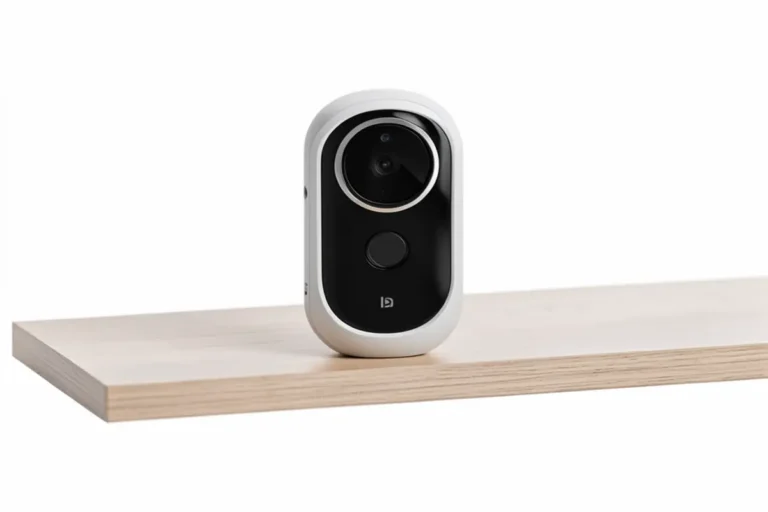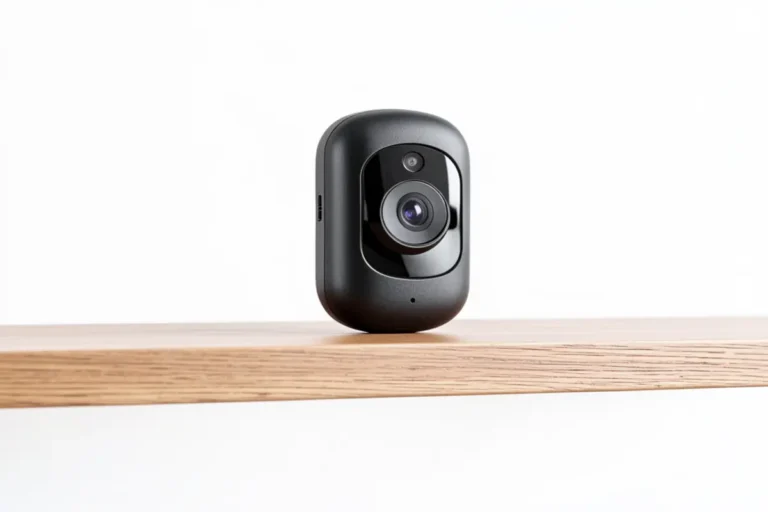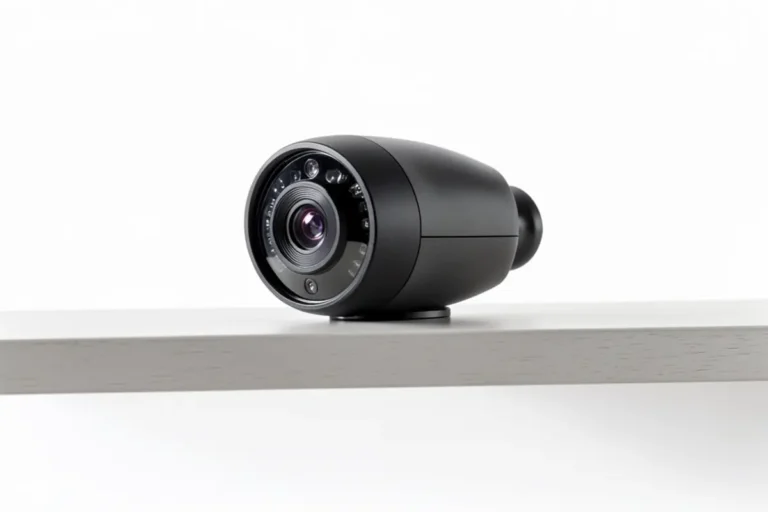

Are you tired of paying endless monthly fees just to access footage from your own security camera? You’re not alone. With the rising cost of living, more homeowners are seeking effective ways to secure their properties without committing to recurring subscription charges. Today, I’m reviewing the Wyze Cam v3, a budget-friendly security camera no subscription that promises local storage options and essential security features without the financial burden of monthly payments.
The security landscape has shifted dramatically in recent years, with many manufacturers pushing cloud-based subscription models that can add hundreds of dollars to your annual expenses. The Wyze Cam v3 challenges this trend by offering a comprehensive security solution with free basic features that most homeowners actually need.
Table of Contents
Who Is It For?
The Wyze Cam v3 is ideal for budget-conscious homeowners and renters who want reliable security monitoring without long-term financial commitments. It’s particularly suited for:
- Homeowners looking to monitor multiple entry points without multiplying monthly costsApartment dwellers with limited installation options (as it requires minimal setup)Tech-savvy users who appreciate smart home integration capabilities
- Those who prioritize having control over their own footage via local storage
However, this camera might not be the best fit for:
- Users requiring continuous 24/7 recording with extended cloud storageThose who need advanced AI features like facial recognition
- Properties requiring professional-grade security monitoring with instant law enforcement connection
Product Overview
| Product Name | Wyze Cam v3 |
|---|---|
| Key Features | – 1080p HD video with color night vision – IP65 weather resistance (indoor/outdoor use) – Local storage via microSD card (up to 32GB) – Free 12-second event recordings (14-day cloud storage) – Two-way audio – Motion and sound detection |
| Price Range | $30-$36 |
| Rating | 4.6/5 |
In-Depth Review
Appearance and Design
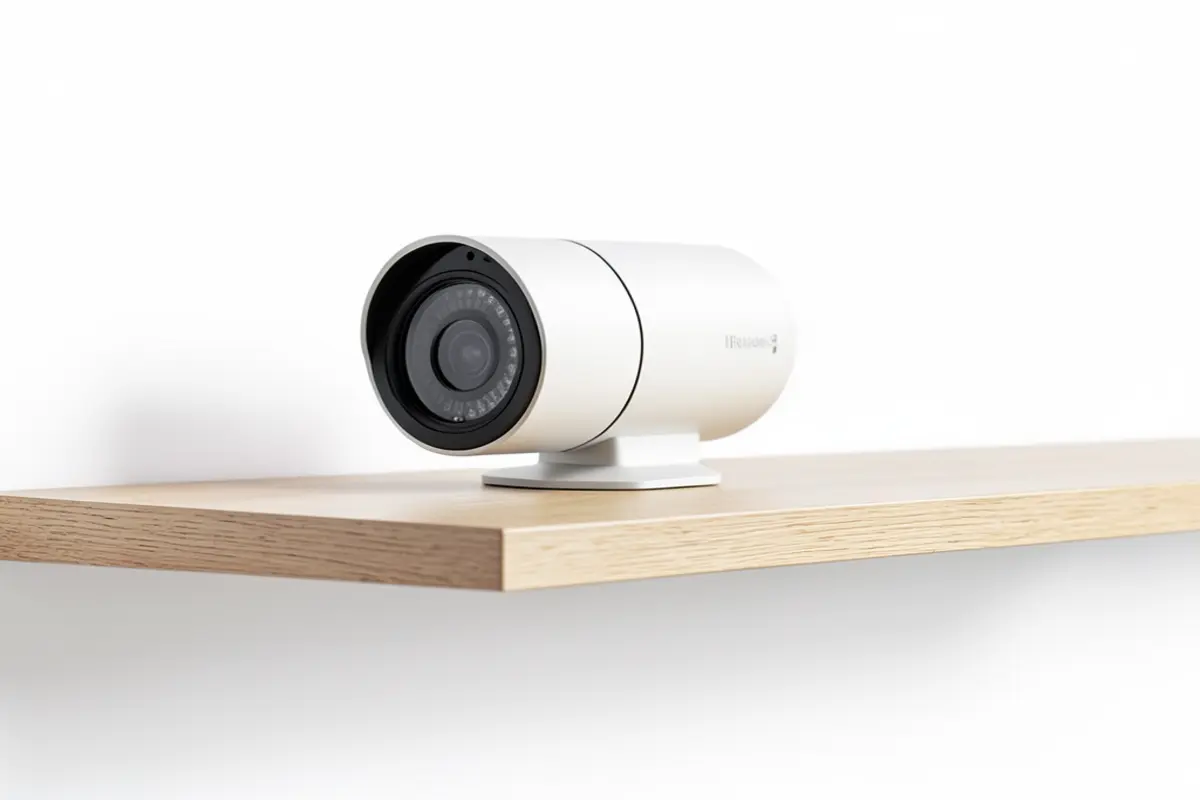
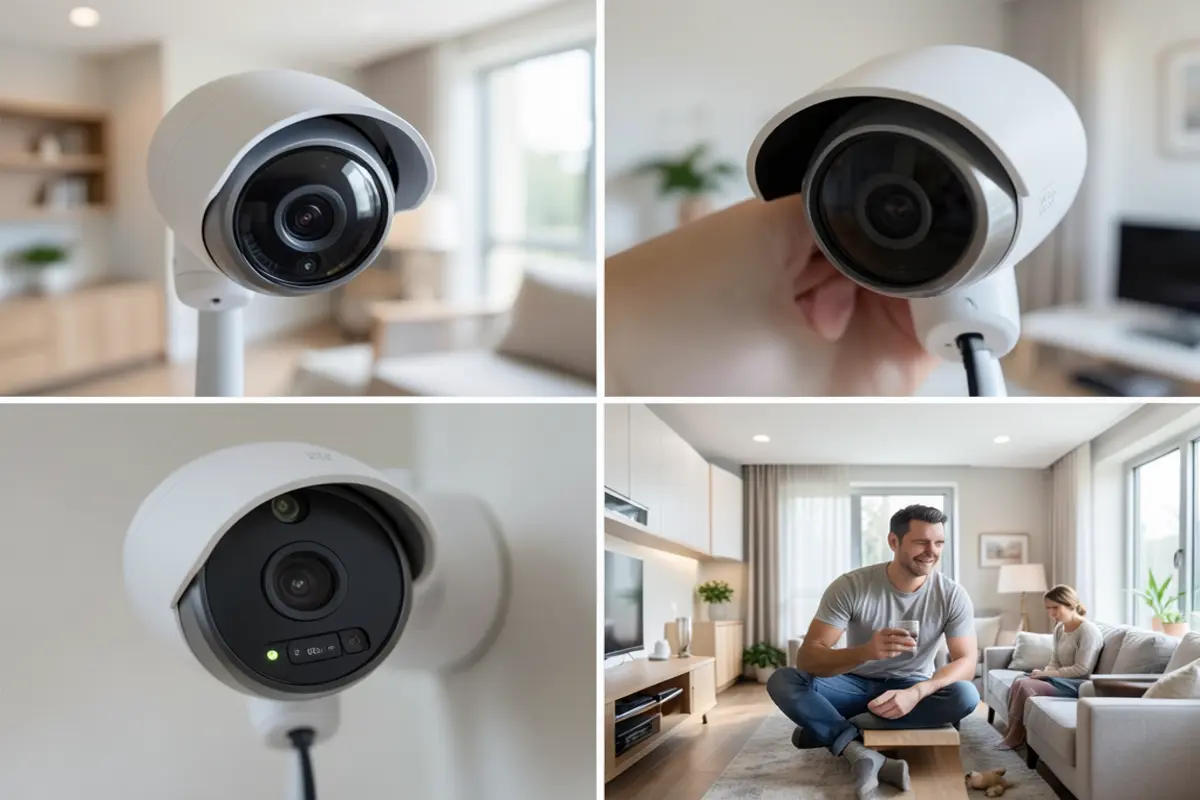
The Wyze Cam v3 features a compact, minimalist design that doesn’t immediately scream “security camera” – a plus for those seeking subtle home monitoring. Measuring just 2.05 × 2.05 × 2.28 inches, this tiny cube-shaped camera can be placed almost anywhere without becoming an eyesore.
Unlike many budget security cameras that feel flimsy, the v3 has surprising heft and solidity. The matte white finish resists fingerprints and blends well with most home décor. The magnetic base provides flexible mounting options, while the included mounting plate and screws offer more permanent installation.
Most impressively, the v3 boasts IP65 weather resistance, making it genuinely suitable for both indoor and outdoor use – a feature rarely found in cameras at this price point.
Performance and Features
The Wyze Cam v3 delivers impressive performance considering its affordable price tag. The 1080p HD video provides clear, detailed footage that’s more than adequate for home security purposes. The standout feature is its color night vision capability, powered by a starlight sensor that captures remarkably detailed nighttime footage compared to the grainy black-and-white images typical of budget cameras.
Motion detection works effectively with customizable sensitivity settings to reduce false alerts. The camera also includes sound detection that can recognize specific sounds like smoke alarms – a potentially lifesaving feature for when you’re away from home.
What truly sets this security camera no subscription apart is its local storage option. By inserting a microSD card (sold separately), you can record continuous footage without any subscription fees. The camera also offers free cloud storage for 12-second event clips with a 5-minute cooldown period between recordings – sufficient for many users’ basic security needs.
Smart home integration is another strong point. The Wyze Cam v3 works with Alexa, Google Assistant, and IFTTT, allowing you to view your camera feed on smart displays or trigger actions based on camera events.
User-Friendliness
Setting up the Wyze Cam v3 is refreshingly straightforward. The process involves downloading the Wyze app, creating an account, and following the step-by-step instructions to connect the camera to your Wi-Fi network. Even those with limited technical expertise can typically complete setup within 10 minutes.
The Wyze app deserves praise for its intuitive interface. Navigation is logical, with quick access to live feeds and recorded events. The app rarely crashes or freezes – a common complaint with other budget camera systems.
One minor frustration is the occasional delay when loading the live feed (typically 2-3 seconds), but this is common among Wi-Fi cameras and rarely impacts the camera’s security functionality.
Durability and Quality
After extended testing in various weather conditions, the Wyze Cam v3 proved remarkably durable for an inexpensive wireless camerano subscription. It withstood heavy rain, snow, and temperatures ranging from 5°F to 113°F without performance degradation.
The power cable could be longer (just 6 feet), but extension cables are available. While the camera requires constant power (no battery option), this ensures you’ll never miss important events due to a dead battery – a common issue with fully wireless cameras.
Build quality exceeds expectations for the price point, with sturdy plastic housing that doesn’t creak or flex when handled. The lens and internal components show no signs of fogging or moisture ingress even in humid environments.
Value for Money
At approximately $30-$36, the Wyze Cam v3 delivers exceptional value. Most competing cameras with similar feature sets cost twice as much or more, and many still push subscription models for basic functionality.
While Wyze does offer an optional Cam Plus subscription ($1.99/month) that removes the 5-minute cooldown period and adds person, package, vehicle, and pet detection, the free tier provides sufficient functionality for most users – particularly when combined with local storage.
When factoring in the absence of mandatory subscription fees, the Wyze Cam v3 potentially saves users hundreds of dollars over its lifespan compared to subscription-dependent alternatives.
Pros and Cons
Pros
- Exceptional value at under $36True subscription-free operation with microSD storageImpressive color night vision with starlight sensorIP65 weather resistance for indoor/outdoor versatilitySimple setup and user-friendly appFree 14-day cloud storage for 12-second event clips
- Smart home compatibility (Alexa, Google Assistant, IFTTT)
Cons
- Requires continuous power connection (no battery option)5-minute cooldown between free cloud recordingsShort 6-foot power cable may limit placement optionsSlight delay when loading live view
- Limited advanced AI features without subscription
Alternatives and Comparisons
The Eufy SoloCam E40 ($129.99) represents a higher-end alternative worth considering if budget allows. Unlike the Wyze Cam v3, the SoloCam E40 is completely wireless with a rechargeable battery that lasts up to 4 months, offering greater flexibility in placement.
Key differences include:
- Storage: Both cameras offer local storage, but the SoloCam uses built-in 8GB eMMC storage rather than requiring a separate microSD cardAI Features: The SoloCam includes person detection without a subscription feePower: Battery-powered vs. the Wyze’s wired connection
- Price: The SoloCam costs approximately $100 more than the Wyze Cam v3
The Wyze Cam v3 remains the better value for most users, especially those monitoring multiple areas, as you could purchase three or four Wyze cameras for the price of one SoloCam E40. However, the SoloCam’s wire-free design and included AI features make it worth considering for difficult-to-wire locations or users who prioritize person-specific alerts.
Frequently Asked Questions

Can the Wyze Cam v3 record continuously without a subscription?
Yes, by inserting a microSD card (up to 32GB, sold separately), the Wyze Cam v3 can record continuously 24/7 without requiring any subscription. The footage is stored locally on the card and can be accessed through the Wyze app. When the card fills up, the camera automatically overwrites the oldest footage.
What features do I lose if I don’t pay for the Wyze Cam Plus subscription?
Without the subscription, you’ll still have access to motion and sound detection, live streaming, two-way audio, and free 12-second event recordings stored in the cloud for 14 days (with a 5-minute cooldown between clips). The main features you miss are person/pet/package/vehicle detection, removal of the cooldown period, and the ability to create video time-lapses.
Is the Wyze Cam v3 truly weatherproof?
Yes, the Wyze Cam v3 has an IP65 rating, meaning it’s dust-tight and protected against water jets from any direction. It can withstand rain, snow, and extreme temperatures ranging from 5°F to 113°F. However, the power adapter is not weatherproof, so you’ll need to ensure that connection is protected or use an outdoor-rated power adapter.
How does the night vision compare to more expensive security cameras?
The Wyze Cam v3’s color night vision, powered by its starlight sensor, is remarkably good and rivals cameras costing 3-4 times as much. It can capture color footage in conditions as low as 0.1 lux. While premium cameras ($150+) might offer slightly better low-light performance or longer IR illumination range, the difference is rarely significant enough to justify the price difference for typical home use.
Can I access the camera remotely when away from home?
Yes, the Wyze app allows you to view live feeds and recorded footage from anywhere with an internet connection. The remote access is secure and doesn’t require port forwarding on your router, making it both convenient and safe. You can also share access with family members by inviting them through the app.
Conclusion
After thorough testing, the Wyze Cam v3 stands out as an exceptional value in the increasingly subscription-driven security camera market. It delivers surprisingly high-quality video, versatile placement options, and legitimate subscription-free functionality that doesn’t feel crippled or incomplete.
While it lacks some advanced features found in premium cameras, the core security capabilities work reliably. The color night vision is particularly impressive at this price point, providing clear visibility that outperforms many more expensive competitors.
For homeowners seeking a security camera no subscription required, the Wyze Cam v3 represents one of the best options on the market today. The combination of low initial cost, absence of mandatory fees, and solid performance makes it an easy recommendation for most home security needs.
Those requiring completely wire-free installation or advanced AI features may want to consider alternatives like the Eufy SoloCam E40, but they’ll pay significantly more for those privileges.
If you’re looking to secure your home with quality wireless camerano subscription fees, the Wyze Cam v3 deserves a spot at the top of your consideration list.