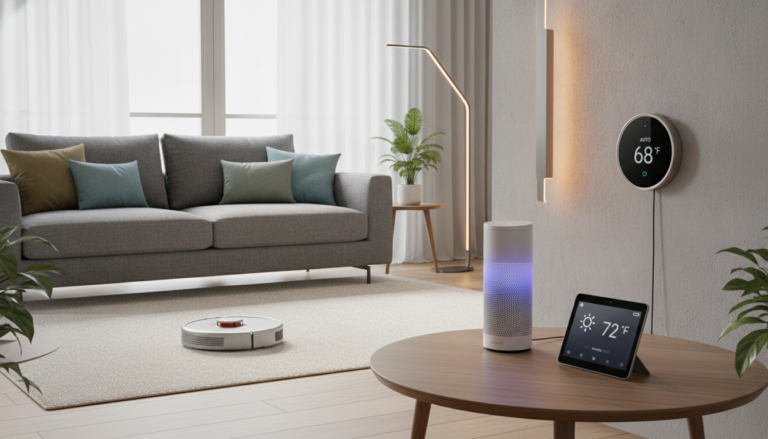
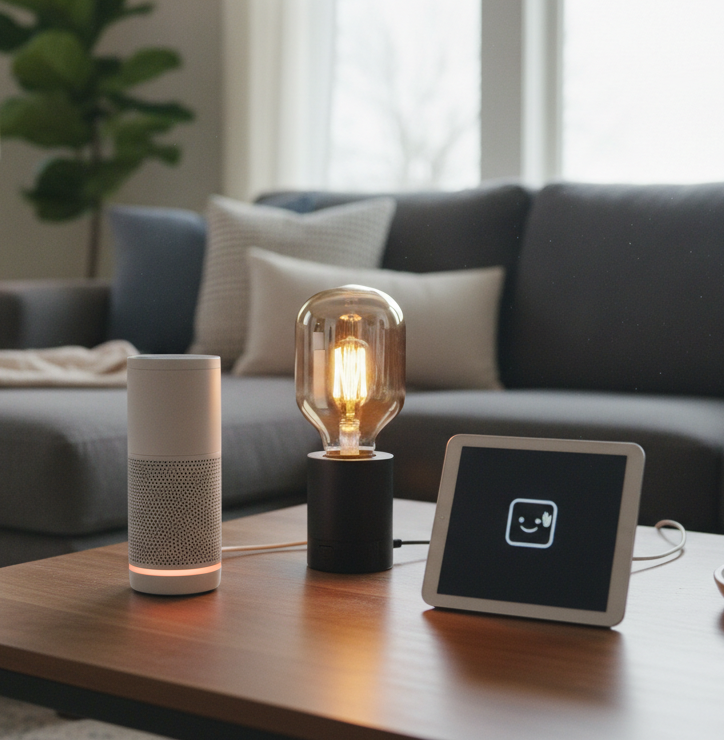

Modern technology should simplify your daily routine, not complicate it. You do not need a fully automated mansion to enjoy connected living. With the right smart home gadgets for beginners, you can add convenience and efficiency with ease.
Simple smartphone apps and voice assistants make lights and security easy to manage. Compatibility matters, so choose products that work well together. Build a reliable smart home starter kit that can grow with your needs.

This guide reviews the best smart home devices for beginners that offer simple setup and lasting value. Each choice provides useful features without requiring technical expertise. Together, they can transform your living space into a more responsive environment today.
Key Takeaways
- Connected technology improves daily convenience without needing complex installations.
- Smartphone apps and voice commands provide intuitive control over your environment.
- Compatibility between different brands ensures a smoother user experience.
- Focusing on reliable, easy-to-use products saves time and reduces frustration.
- Building a system gradually allows you to manage your budget effectively.
What I Look For in Smart Home Gadgets for Beginners
The best smart home upgrades fade into the background because they work smoothly. When I evaluate beginner-friendly smart home devices, I prioritize products that solve real household problems, not add digital clutter.

Simple Setup for First-Time Users
I first check how long a device takes to start working. A complex manual or repeated app failures means the product is not worth your time.
I look for clear, intuitive apps that guide you through setup step by step. A great device works within minutes and shows easy-to-use smart home technology in action.
Compatibility With Amazon Alexa, Google Home, Apple Home, and Matter
Before buying, make sure your new gadget works well with other devices. I check support for major platforms, including Amazon Alexa, Google Home, and Apple Home.
The emergence of the Matter standard is a game-changer for interoperability. Devices with this universal language help your simple smart home devices work together as your setup grows.
Everyday Value Without Unnecessary Complexity
I avoid gadgets with hidden costs or recurring monthly subscriptions. Real value comes from hardware that performs its main function without constant updates or premium tiers.
I focus on practical automation that saves time or energy. Too many complex features can create frustration instead of convenience.
Privacy, Security, and Long-Term Reliability
Your home is private, so security is essential. I look for brands that use strong encryption and provide regular firmware updates to protect your network from vulnerabilities.
I prefer devices with some local control, so they work when your internet connection drops. I choose established ecosystems with a proven track record of supporting products for years.
Best Smart Home Gadgets for Beginners
You can build a smart home without a large budget or technical skills. These smart home gadgets for beginners offer a dependable start for new users.

Amazon Echo Dot (5th Gen)
Overview
The Echo Dot is a small smart speaker that acts as your setup’s brain. Its simple design makes it one of the top smart home products for new users.
Features
It includes Alexa, improved audio, and a temperature sensor. The speaker connects to Wi-Fi and controls other devices with voice commands.
Pros
Setup takes very little time. It offers excellent voice recognition and works with nearly every major smart platform.
Cons
Its small size limits deep bass for high-fidelity music. Privacy settings may require some manual adjustment.
Recommendations
Place it in a central room, such as your living room or kitchen. Use it to control lights or check the weather without your phone.
Conclusion
As the anchor for voice routines, the Echo Dot is an essential purchase for anyone starting their journey.
Kasa Smart Plug Mini EP25
Overview
This smart plug offers an easy, low-risk way to automate existing appliances. It quickly makes “dumb” devices, such as lamps and fans, smart.
Features
The EP25 monitors energy and leaves the second outlet open. It supports schedules and remote control through the Kasa app.
Pros
It is affordable and extremely reliable. You can use it without buying a separate hub.
Cons
It works only with 2.4GHz Wi-Fi networks. Absolute beginners may find the app interface crowded.
Recommendations
Use it with a coffee maker or bedside lamp. It shows the value of entry-level smart home gadgets right away.
Conclusion
This plug is a low-risk first purchase with clear benefits for your daily routine.
Philips Hue White and Color Ambiance A19 Bluetooth Smart Bulb
Overview
Smart lighting can change a room’s mood and create a noticeable upgrade. The Philips Hue bulb is known for accurate colors and reliable performance.
Features
This bulb provides millions of colors and adjustable white light. Bluetooth lets you use it without a bridge.
Pros
The color quality is unmatched in the industry. The bulb also works with many smart home ecosystems.
Cons
It costs more than generic alternatives. You will eventually need a Hue Bridge for features like away-from-home control.
Recommendations
Begin with one or two bulbs in your bedroom or office. This lets you test smart lighting without replacing the electrical system.
Conclusion
For a premium experience, this bulb ranks among the best smart home devices for beginners who value quality over cost.
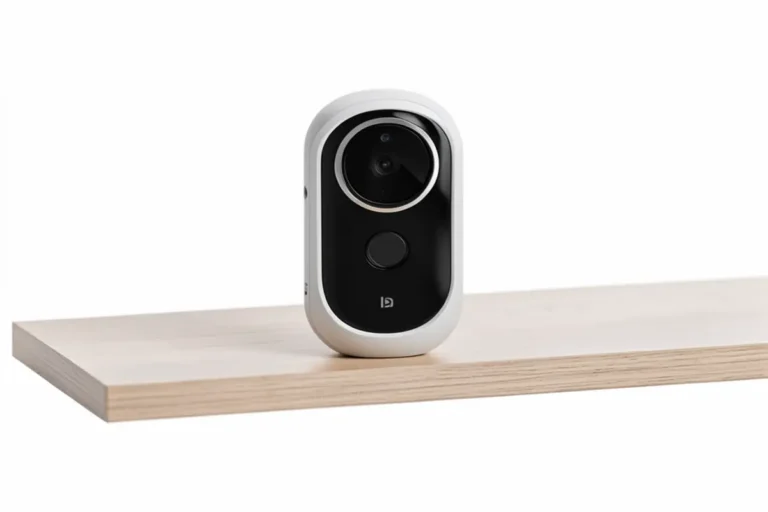
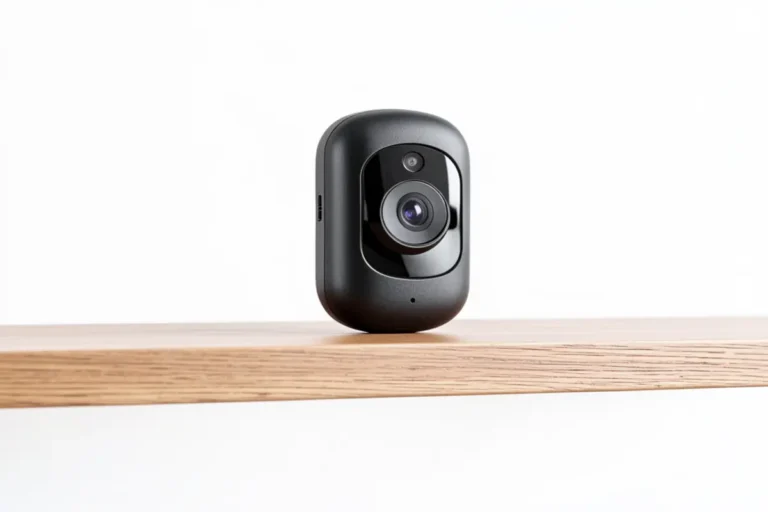
TP-Link Tapo C120 Indoor/Outdoor Pan/Tilt Security Camera
Overview
Security matters to many homeowners, and the Tapo C120 offers peace of mind at a good price. It works indoors or outdoors.
Features
This camera provides high-definition video, night vision, and two-way audio. Motion alerts go directly to your smartphone.
Pros
The privacy shutter stands out for indoor use. You can also mount the camera easily on walls or ceilings.
Cons
Long-term cloud video history requires a subscription. The pan and tilt functions can make slight noise.
Recommendations
Install it near your front door or in a nursery. Review the privacy settings after completing setup.
Conclusion
This camera is a strong entry-level security device with useful features and user-friendly controls.
How I Would Build a Simple Smart Home Starter Kit
I build a smart home with simplicity and gradual expansion in mind. Choosing easy-to-use smart home technology helps you avoid frustration from complex installations. A well-planned smart home starter kit lets you learn the ropes before joining a larger ecosystem.

Start With a Smart Speaker or Home Hub
I recommend starting with a central voice assistant or hub. This device acts as your home’s brain and controls other gadgets with simple voice commands. It creates a foundation for future automation.
Add a Smart Plug for an Immediate, Low-Risk Upgrade
A smart plug is one of the most simple smart home devices you can buy. It upgrades an existing lamp or coffee maker without complex rewiring. Plug it into a wall outlet, connect it to your app, and start using it.
“The best way to get started is to keep things simple, focus on one room, and build your confidence before adding more complex devices.”
Use Smart Lighting to Create Practical Routines
Smart lighting can automate parts of your daily life. Set routines to turn lights on when you arrive home or dim them at bedtime. These practical schedules make your home feel more responsive and welcoming.
Add a Security Camera After Reviewing Privacy Settings
After you understand your basic setup, you might add a security camera. Before installing one, review its privacy settings and place it only in appropriate areas. Security should always come first when you connect devices to the internet.
Enable Two-Factor Authentication and Strong Account Passwords
Protecting your digital identity matters in any connected home. Enable two-factor authentication on all your accounts. Use unique, complex passwords to block unauthorized access to your devices.
Keep Firmware and Mobile Apps Updated
Manufacturers often release updates to patch security vulnerabilities. Check your mobile apps regularly so your devices run the latest software. Updates offer the best way to support long-term reliability and safety.
Which Beginner-Friendly Smart Home Devices Fit Different Needs?
Building a smart home starts with finding the problems you want to solve first. Rather than seeking one device that does everything, focus on categories that improve your daily routine. Whether you value security, convenience, or ambiance, there are beginner-friendly smart home devices that can make life easier.
Your platform choice also shapes your experience. Amazon Alexa offers the broadest compatibility, while Google Home excels at voice-controlled tasks. Apple Home provides superior privacy, and the new Matter standard helps gadgets work together across brands.
Best Low-Cost Starting Point: Kasa Smart Plug Mini EP25
If you want to test smart technology cheaply, this plug is an ideal choice. It instantly turns “dumb” appliances, such as lamps or coffee makers, into smart devices. It is one of the most practical entry-level smart home gadgets available today.
Best Voice-Control Center: Amazon Echo Dot (5th Gen)
A smart speaker acts as your home’s brain. The Echo Dot suits beginners because it is affordable and responds well to voice commands. Use it as a central hub for managing other devices with simple voice requests.
Best Lighting Upgrade: Philips Hue White and Color Ambiance A19 Bluetooth
Lighting offers the most visible way to transform your living space. These bulbs provide incredible color options and dim to match your mood. They rank among the top smart home products for new users because they create an immediate, high-quality visual change.
Best Entry-Level Security Device: TP-Link Tapo C120
Security matters to many people, and this camera balances features with ease of use. It sends clear video feeds and motion alerts directly to your phone. It offers a reliable way to watch your home while you are away.
Best Combination for a Complete Beginner Setup
To build a balanced smart home starter kit, add devices gradually. Start with the Echo Dot to create your voice-control foundation. Then add the Kasa plug, Philips Hue bulb, and Tapo camera for convenience, atmosphere, and peace of mind.
Adding devices one at a time prevents technology from feeling overwhelming. You can learn how each piece fits your life before expanding the system. Taking your time ensures each addition brings real value to your home.
Conclusion
Creating a modern living space can start with one small step, not a massive investment. One speaker, plug, or bulb can make your home more useful. These smart home gadgets for beginners add value without overwhelming your daily routine.
Prioritizing privacy, simple setup, and long-term support works better than buying every device on the market. Start with the Kasa Smart Plug Mini EP25 or Amazon Echo Dot (5th Gen) to test your preferences. As you gain comfort, add Philips Hue lighting or the TP-Link Tapo C120.
Choose Matter-compatible products to keep your investment useful for years. This standard lets you switch platforms or ecosystems without replacing existing hardware. The best smart home devices for beginners can support your future upgrades.
Try these beginner-friendly smart home devices and see how they improve your home life. Share favorite automation routines or ask about specific integrations to help others in our community. Your journey toward a smarter home begins with these simple, reliable tools.
FAQ
What are the best smart home devices for beginners to buy first?
Start with a smart speaker, such as the Amazon Echo Dot, and a simple smart plug. They provide voice control and automate existing lamps or appliances with little effort.
Do I need a hub to use beginner-friendly smart home devices?
Not always. Many top smart home products for new users connect directly to Wi-Fi or use Bluetooth. As you add devices, a hub or smart speaker can centralize control and improve reliability.
Is easy-to-use smart home technology secure?
Yes, if you follow basic safety steps. Enable two-factor authentication, use strong passwords, and update firmware to protect your privacy and security.
Which entry-level smart home gadgets work with both iPhone and Android?
Most smart home gadgets for beginners from Kasa, Philips Hue, and TP-Link support iOS and Android apps. Matter-compatible devices also work across smartphone platforms.
How much does a basic smart home starter kit cost?
You can build a useful setup for under $150. A smart speaker, two smart plugs, and a smart bulb offer an affordable introduction.