
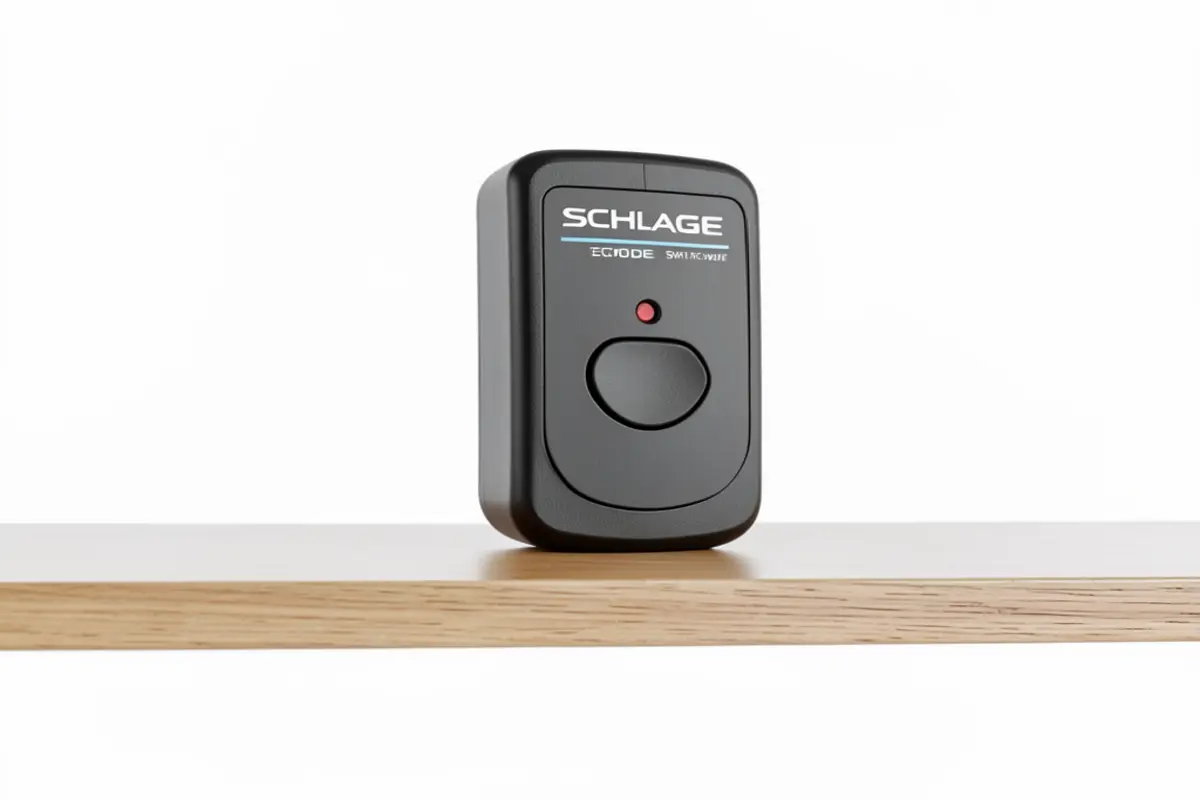
Ever find yourself halfway to soccer practice and suddenly wonder: “Did I lock the front door?” I’ve been there. Between wrangling kids, juggling work, and managing a household, home security often becomes just another item on our endless to-do lists. After my third U-turn last month to double-check my front door (it was locked, of course), I decided enough was enough. That’s when I started researching the schlage encode smart wifi deadbolt – a solution that promised to eliminate those nagging door-lock worries while offering the convenience of keyless entry for my always-on-the-go family.
But as someone who’s increasingly concerned about the privacy implications of bringing more connected devices into my home, I approached this purchase with a healthy dose of skepticism. Does convenience always have to come at the cost of security? After three months of daily use, I’ve got some thoughts about whether this smart lock deserves a place on your front door – especially if you’re a busy parent who values both convenience and privacy.
Table of Contents
Who Should (and Shouldn’t) Buy the Schlage Encode Smart WiFi Deadbolt
The Schlage Encode is ideally suited for busy households where family members are constantly coming and going at different times. If you’re a parent juggling multiple schedules and can’t always be home to let people in, this lock could simplify your life tremendously.
This lock is perfect for you if:
- You’re tired of making extra keys for family members, babysitters, or house cleanersYou need to grant temporary access to your home while you’re awayYou frequently worry about whether you remembered to lock upYou want to track who enters your home and when
- You’re looking to reduce the morning chaos of kids forgetting their keys
Skip this purchase if:
- You’re extremely privacy-conscious and uncomfortable with any WiFi-connected home security devicesYou live in an area with very unreliable internet serviceYou’re not willing to replace batteries every few months
- Your household includes tech-resistant family members who struggle with new technology
Product Overview: What You Need to Know
| Product Name | Schlage Encode Smart WiFi Deadbolt |
| Key Features | WiFi-connected, no hub required, up to 100 access codes, remote access via app, built-in alarm technology |
| Price Range | $249-$299 (depending on finish) |
| Rating | ★★★★☆ (4/5) |
| Battery Life | Approximately 3-6 months with regular use |
| Installation | DIY-friendly, requires basic tools, 20-30 minutes |
Privacy Considerations: How Much Access Are You Really Giving Away?
Let’s address the elephant in the room first. As someone who’s become increasingly concerned about the data collection practices of smart home companies, I approached this purchase with caution. Every new connected device is another potential privacy vulnerability, and when it’s the literal front door to your home, those concerns are amplified.
Data Collection and Storage
After digging into Schlage’s privacy policy (yes, I actually read it), I found their data practices to be more reasonable than many competitors. The Schlage Encode stores your access codes locally on the device rather than exclusively in the cloud, which is a significant privacy advantage. The lock does track entry and exit events, but you can delete this history at any time through the app.
The app requires standard permissions – nothing that raised serious red flags to me. It doesn’t ask for unnecessary access to your photos, contacts, or other personal information unrelated to the lock’s functionality.
WiFi Connection Considerations
Unlike some smart deadbolt lock systems that use Bluetooth or Z-Wave and require a separate hub, the Schlage Encode connects directly to your home WiFi. This is convenient for setup but does mean the lock maintains a constant internet connection. For the privacy-minded, this represents a tradeoff between convenience and potential security vulnerabilities.
I’ll be honest – I wasn’t completely comfortable with this at first. After researching how the lock encrypts its communications and finding that Schlage uses industry-standard security protocols, I felt better about the situation, though not entirely at ease.
Installation and Setup: Can Parents Really Do This Themselves?
As a parent with precisely zero spare time, I was worried installation would become a weekend-long project. I was pleasantly surprised to find that the entire process took me about 25 minutes – and that includes stopping twice to break up arguments between my kids.
Physical Installation
The Schlage Encode is designed to fit standard door preparations, which means if you already have a deadbolt, you can probably swap it out without drilling new holes. The package includes clear instructions and all the hardware you need.
What surprised me was how straightforward the wiring was – there isn’t any! The lock is battery-powered, eliminating the need for electrical knowledge or complicated wiring. The exterior keypad connects to the interior housing with a simple cable that even I couldn’t mess up.
App Setup and Connection
Here’s where things got a little trickier. While the physical installation was smooth, connecting the lock to my home WiFi required a bit more patience. The Schlage Home app (available for both iOS and Android) guides you through the process, but I did have to restart it once when the lock failed to connect on the first attempt.
After that initial hiccup, adding users and creating access codes was quite intuitive. I created unique codes for each family member, our regular babysitter, and even a temporary code for the dog walker – all in about 10 minutes.
Day-to-Day Use: How It Changed Our Family Routine
The Morning Rush Transformation
If you have school-age kids, you know the morning drill: the frantic search for backpacks, homework, and inevitably, house keys. After installing the Schlage Encode, one source of morning stress completely vanished. My kids now punch in their personal codes (which they memorized surprisingly quickly) and head off to school without the “Mom, I can’t find my key!” drama.
For my 12-year-old who sometimes gets home before I do, this has been particularly valuable. No more hiding keys under flower pots or worrying about lost keys – she simply uses her code, and I get a notification that she’s safely home.
Remote Access Reality Check
The ability to lock or unlock your door from anywhere sounds amazing in theory, but how useful is it really? In my three months of using the Schlage Encode smart WiFi deadbolt, I’ve found it genuinely helpful in specific situations:
- When a neighbor offered to bring in a package during a rainstorm while we were outWhen my in-laws arrived at our house before we got home from a soccer tournament
- When I was already in bed and realized I’d forgotten to lock the front door
The remote access feature has been handy maybe a dozen times in three months – not daily, but valuable enough when needed.
Battery Life: The Unexpected Maintenance
This is where my initial honeymoon with the lock hit a speed bump. The Schlage Encode runs on 4 AA batteries, which the company claims will last about 6 months. In reality, I found myself replacing them at the 4-month mark. Not terrible, but an added maintenance task to remember.
The lock does provide low battery warnings through the app well before it dies completely, and you can always use the physical key as a backup. Still, it’s another thing to keep track of in an already busy household.
Security Features: Beyond the Basics
Built-in Alarm Technology
One feature that genuinely impressed me is the built-in alarm system. The Schlage Encode can detect when someone is tampering with the lock and sound an alarm. You can adjust the sensitivity settings in the app, which I appreciated after getting a false alarm when my teenager was struggling with grocery bags and repeatedly bumping the door.
Auto-Lock Functionality
The auto-lock feature has become my personal favorite. You can set the lock to automatically secure itself after a period of time (anywhere from 15 seconds to 4 minutes). As someone who has occasionally left the house unlocked all day by accident, this feature alone provides significant peace of mind.
Physical Key Backup
While the whole point of a smart deadbolt lock is to go keyless, I appreciate that Schlage included a traditional key cylinder as a backup. During one power outage, when our WiFi went down, I was grateful to have this option.
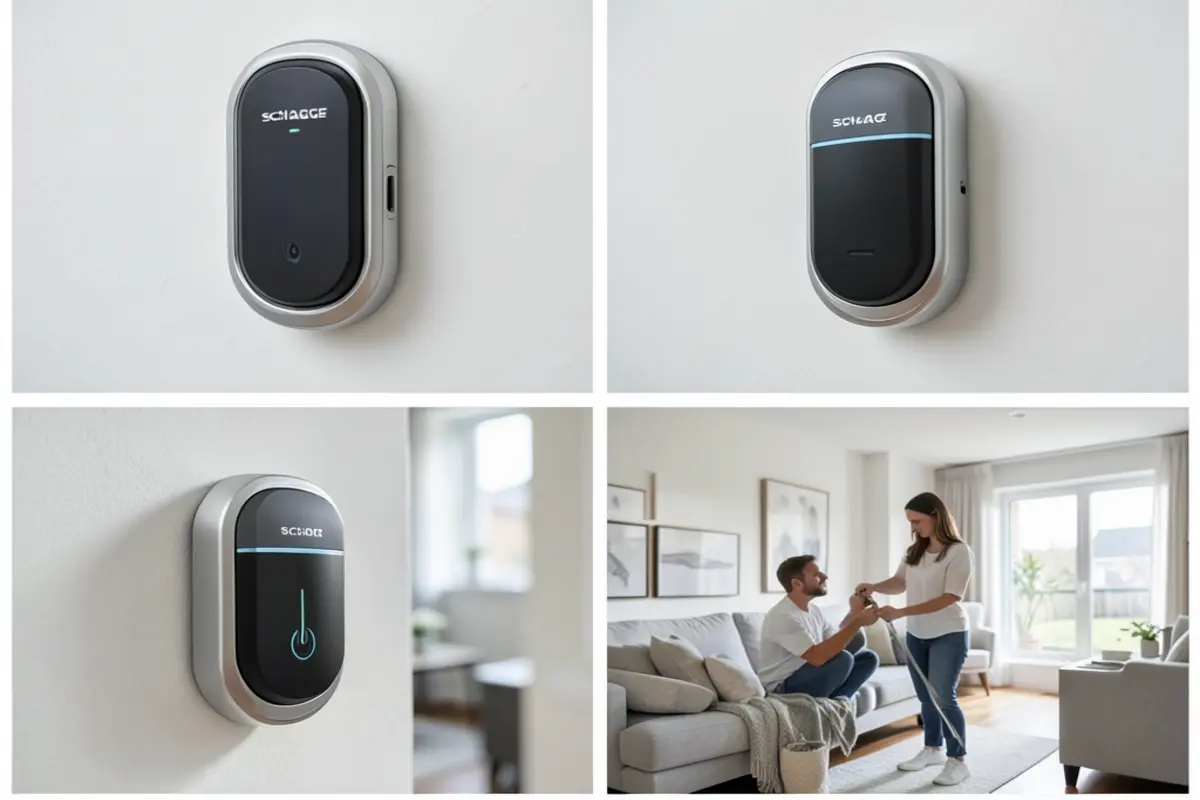
Honest Pros and Cons
What I Love
- No more key-related stress or making copies for various peopleThe auto-lock feature is perfect for forgetful family membersInstallation was surprisingly manageable for a non-handy personThe ability to create temporary access codes for service providersSolid construction that feels secure and durable
- Works with Amazon Alexa and Google Assistant for voice control
What Could Be Better
- Battery life is shorter than advertised with heavy useThe WiFi connectivity occasionally drops, requiring a reconnectionThe app could use a more intuitive interface for managing multiple usersPremium price point may be hard to justify for some familiesPrivacy concerns with constant WiFi connection cannot be completely eliminated
- Limited integration with Apple HomeKit (requires additional hardware)
How It Compares: Schlage Encode vs. August Smart Lock Pro
When researching smart locks, I also considered the August Smart Lock Pro, another popular option. Here’s how they stack up for busy families concerned with privacy:
| Feature | Schlage Encode | August Smart Lock Pro |
|---|---|---|
| Price | $249-$299 | $229-$279 |
| Installation | Replaces entire deadbolt | Attaches to existing deadbolt (interior only) |
| Connectivity | Built-in WiFi | Requires separate Connect bridge for WiFi |
| Access Options | Keypad, key, app | App, key (optional keypad extra) |
| Privacy Advantage | Local code storage | Can operate via Bluetooth only (no WiFi required) |
| Kid-Friendly | Simple keypad codes | Requires smartphone for keyless entry unless keypad purchased |
The August might be better for you if you’re extremely privacy-conscious and prefer the option to use Bluetooth only, disconnected from the internet. It’s also less visually obvious that you have a smart lock from the exterior, which some security experts prefer.
However, for busy parents, I found the Schlage’s built-in keypad to be the deciding factor. My kids don’t have smartphones yet, and the simple numeric entry makes the Schlage Encode more practical for our family.
Real Buyer Questions
What happens if the WiFi goes down or there’s a power outage?
The lock itself will continue to work since it runs on batteries. You can still use the keypad and physical key even without WiFi. However, you won’t be able to control the lock remotely or receive notifications until the WiFi connection is restored.
Can I still use the Schlage Encode if I’m worried about privacy but want the convenience?
Yes, with some compromises. You can use the Schlage Encode as a standalone electronic keypad lock without connecting it to WiFi. This gives you the convenience of keyless entry without the privacy concerns of internet connectivity. However, you’ll lose remote access functionality and notifications.
How do you handle access for kids who forget their codes?
This was one of my concerns too. I chose easy-to-remember codes for my kids (birthdays were too obvious) and had them practice several times. As a backup, I keep the physical key hidden outside in a secure lockbox. For older kids with phones, you could also provide emergency access through the app.
What’s the learning curve for non-tech-savvy family members?
Surprisingly small. My parents (who still print their emails) mastered the keypad entry in minutes. The physical buttons are more intuitive than touchscreens for many older adults. The biggest challenge was getting them comfortable with the idea that the door would lock itself behind them.
Is there a way to know if someone has tried to tamper with the lock while you’re away?
Yes. The Schlage Encode has built-in alarm technology that detects forced entry attempts. If someone tries to tamper with the lock, you’ll receive a notification on your phone (assuming your WiFi is working). The history log will also show any unsuccessful entry attempts.
Final Verdict: Is the Schlage Encode Worth It for Busy Families?
After three months with the Schlage Encode Smart WiFi Deadbolt, I can say it has eliminated one consistent source of stress in our hectic family life. No more turning around to check if I locked the door, no more hiding keys for visitors, and no more lockouts when kids forget their keys.
Is it perfect? No. The privacy concerns of having yet another WiFi-connected device in your home are legitimate, and the battery life could be better. The price point is also substantial – you’re paying a premium for convenience.
For busy parents who value both security and convenience, however, the benefits likely outweigh these drawbacks. Just be sure you’re comfortable with the privacy tradeoffs and prepared for occasional maintenance like battery changes and app updates. If you’re extremely privacy-conscious, you might consider a non-connected electronic deadbolt instead.
Ready to upgrade every corner of your home? From cozy seating like this Furlide chair to high-tech kitchen gadgets, we’ve got you covered. Check out our Full Library of Home Product Reviews to discover more expert-tested gear for your lifestyle.