
If your TV still makes you scroll through cable menus just to watch Netflix, or you’ve been renting movies one at a time because you have no idea how to “cut the cord,” the Roku Streaming Stick might genuinely change how you feel about your TV. I was honestly fed up with paying for a bloated cable package when I mostly watched about four channels anyway. Plugging in a small stick and suddenly having access to hundreds of streaming apps — that was the promise. But what I didn’t expect to care so much about was the privacy side of things. Turns out, that matters a lot more than most beginner guides will tell you.
Affiliate Disclosure: This post contains Amazon affiliate links. If you buy through them, HomeGadget.tech may earn a commission at no extra cost to you. This does not affect which products we recommend or how we evaluate them.
First, Is This Actually for You?
Let me be direct here. This device is built for a pretty specific type of person, and knowing whether you’re that person will save you time and money.
This is a great fit if you…
- Have a regular HDTV or 4K TV without smart features built in — or you have a “smart TV” that runs slowly and frustrates youAre new to streaming and want something with a gentle learning curveWant to watch Netflix, Hulu, Disney+, HBO Max, or free channels like Pluto TV and TubAre a bit concerned about what your TV or streaming device is collecting about you (more on this below)
- Are working with a budget and want to check the Roku Streaming Stick price before committing to a pricier Apple TV or Fire Stick
You might want to skip this if…
- You already have a newer Samsung, LG, or Sony smart TV that runs smoothly — you may not need another device at allYou’re deep in the Apple ecosystem and would benefit more from an Apple TV 4KYou need very advanced gaming capabilities or 4K HDR at the highest bitrates — other devices handle that better
- You want a device with robust Alexa or Google Assistant integration built-in as a primary feature
Quick Product Overview
| Feature | Details |
|---|---|
| Product Name | Roku Streaming Stick 4K |
| Resolution Support | Up to 4K HDR, HDR10+, Dolby Vision |
| Connectivity | Wi-Fi (dual-band), HDMI plug-in |
| Remote | Voice remote with private listening (headphone jack) |
| App Store | 500+ streaming channels |
| Smart Home Compatibility | Works with Alexa and Google Assistant |
| Price Range | $39–$59 (check current Roku Streaming Stick price on Amazon) |
| Star Rating | ⭐⭐⭐⭐½ (4.5/5) |
In-Depth Review
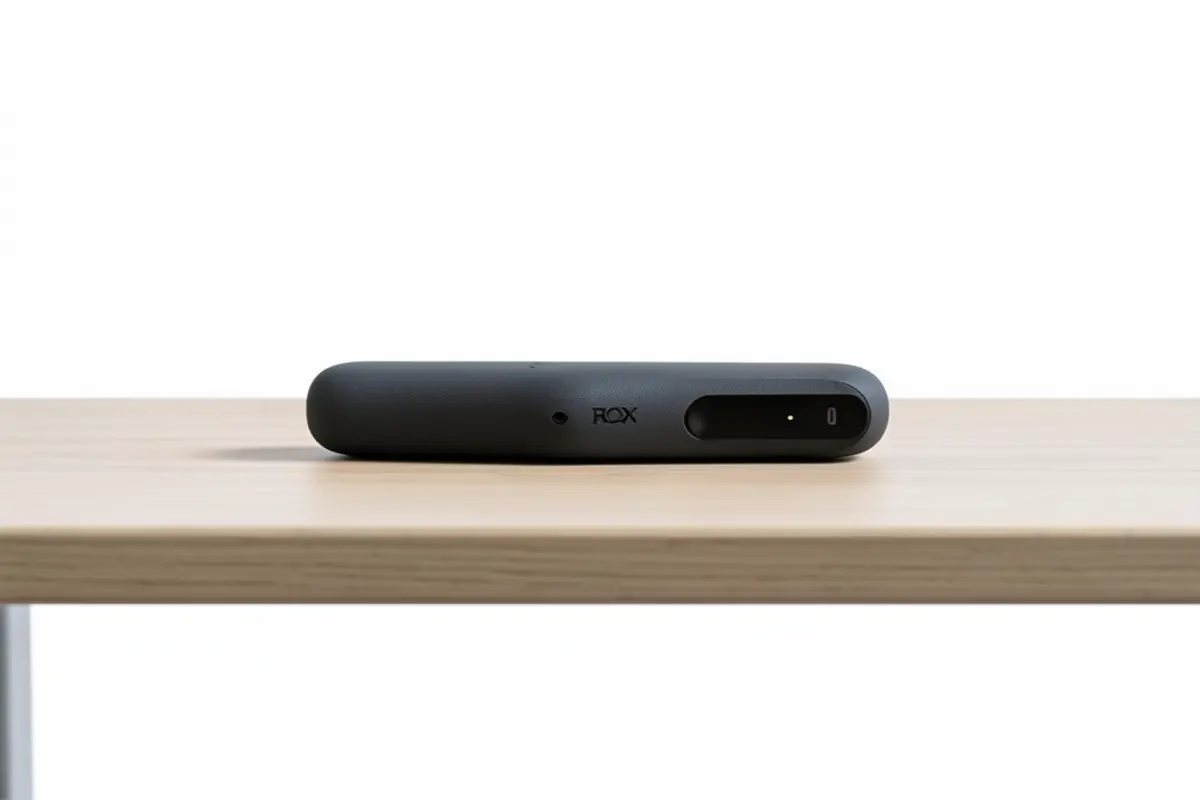
Setting It Up (Yes, Even You Can Do This)
When I first installed this, I expected to spend at least an hour fighting with it. I’d had experiences with other devices that required downloading apps on my phone, creating accounts in a specific order, or hunting through menus that felt designed by someone who hates people. This was different. You plug the stick into your TV’s HDMI port, plug the USB power cable into the TV or a wall adapter, and turn it on. That’s essentially it.
The on-screen setup walks you through connecting to Wi-Fi step by step. The text is large, the instructions are clear, and there are no weird technical decisions you have to make. I had my daughter — who is not a tech person at all — set one up at her apartment, and she called me about fifteen minutes later to say she was already watching something. That kind of user experience doesn’t happen by accident.
The remote also pairs automatically, which sounds small but trust me, having to manually pair a remote is one of those friction points that makes beginners give up.
What About Privacy? (The Part Nobody Talks About Enough)
Here’s the thing — most people buying a streaming device don’t think about what data it collects. And I get it, because when you’re new to this stuff, you just want to watch TV. But this is worth spending two minutes on because it affects your experience more than you think.
Roku’s platform, like most streaming platforms, does collect data about what you watch, how long you watch, and which apps you use. It uses this to serve ads on its home screen and within certain free channels. That part is real, and I won’t pretend otherwise.
However — and this is what makes Roku actually stand out among beginner-friendly devices — it gives you meaningful privacy controls. In the settings, you can limit ad tracking, opt out of targeted advertising, and disable ACR (Automatic Content Recognition), which is the technology that essentially “watches” what you’re watching to build a profile. Most people never find these settings on their smart TVs. Roku puts them in a reasonably accessible spot.
Compared to Amazon’s Fire Stick, which ties deeply into Amazon’s advertising and shopping ecosystem in ways that are harder to turn off, Roku feels like the more transparent option for someone who is privacy-conscious but not technically advanced. It’s not perfect — no consumer streaming device is — but you have more real control here than you might expect.
The steps to improve privacy on your Roku are:
- Go to Settings → Privacy → Advertising → and enable “Limit Ad Tracking”Go to Settings → Privacy → Smart TV Experience → and uncheck “Use info from TV inputs” to disable ACR
- Review which apps you give microphone access to if you use the voice remote features
Five minutes of setup, and you’ve meaningfully reduced what gets collected. Not many budget devices offer that kind of control.
Performance and Everyday Use
Honestly, this is where the device earns its reputation. The 4K model loads apps fast, streaming quality is sharp, and I haven’t had a single crash during regular use. Scrolling through menus feels snappy. The Wi-Fi connection has been stable even a room away from my router.
The Roku home screen is clean and not overwhelming. There’s no complicated grid of confusing options — just your installed apps and a search bar that looks across all platforms at once. So if you want to watch a specific movie, you type it in and Roku tells you which services have it and whether it’s free or costs extra. For a beginner, this feature alone is worth the price.
One thing worth noting: if you have a 1080p TV (not 4K), you don’t need the 4K version. There’s a slightly cheaper model that works perfectly for standard HD televisions, and checking the Roku Streaming Stick price for both versions side by side on Amazon is worth doing before you buy.
Design and Build Quality
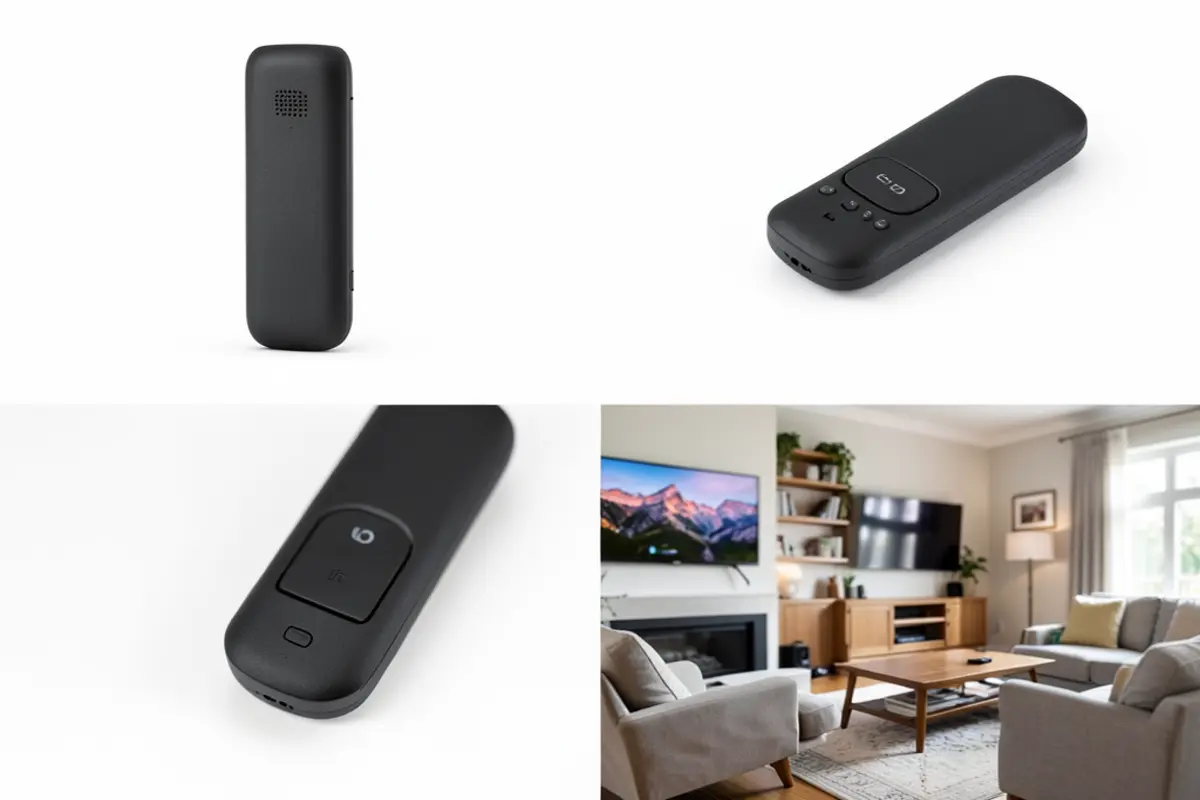
It’s a stick. A small, light, rectangular stick that disappears behind your TV completely. That’s kind of the point. It doesn’t need to look impressive sitting on a shelf because it’s hidden. The build quality feels solid enough — it’s plastic but not flimsy — and the remote has a nice weight to it with buttons that click properly.
The voice remote is a genuine upgrade over older Roku remotes. Private listening through the headphone jack is one of those features that sounds gimmicky but becomes something you use regularly, especially late at night. You plug headphones into the remote and the TV audio plays through them. No Bluetooth pairing, no delay. It just works.
Smart Home Integration
If you have an Alexa or Google Home device, you can control your Roku with voice commands. “Alexa, pause the TV” or “Hey Google, open Netflix on Roku” both work. The setup takes a few minutes in the respective apps, but once it’s done, it’s convenient. For beginners getting into a smart home setup, this is an easy win without needing to buy anything extra.
Honest Pros and Cons
What I Genuinely Like
- Setup is fast and requires zero technical knowledgePrivacy settings are more accessible and meaningful than most competitorsUniversal search across all streaming services saves real timePrivate listening feature through the remote is surprisingly usefulClean, uncluttered interface that doesn’t overwhelm new usersWorks with Alexa and Google Assistant for voice control
- Affordable — especially when you compare the Roku Streaming Stick price to Apple TV or Chromecast with Google TV
Real Cons You Should Know About
- Roku’s home screen does still show ads, even after limiting ad tracking — they’re not gone entirely, just less targetedNo local file playback — you can’t plug in a USB drive and watch your own videosThe Roku mobile app, while useful, can be a bit clunky and isn’t always reliable as a remote replacementIf your Wi-Fi is weak or inconsistent, you’ll notice buffering — this is true of all streaming sticks, but worth knowing
- No Ethernet port option on the standard model, which matters if you have a slow wireless connection
How It Compares to the Amazon Fire TV Stick
The Amazon Fire TV Stick 4K Max is the most direct competitor in the same price range, and it’s a legitimately good device. The Fire Stick has a slightly better processor in the Max version and deeper integration with Amazon Prime Video (which makes sense, given who makes it). If you buy a lot from Amazon or are already a heavy Prime user, the Fire Stick experience feels naturally connected to your account.
But here’s where I’d pause: Amazon’s advertising and data collection practices are more deeply baked into the Fire Stick experience. Turning off data collection is possible but feels like you’re fighting the device’s defaults rather than working with them. For a privacy-focused buyer — even a beginner who just wants simple controls — Roku’s transparency is a real advantage. Amazon also has a habit of pushing its own content and shopping features into the interface in ways that can feel intrusive.
Choose the Fire Stick if: you are a dedicated Amazon Prime member and care most about Prime Video quality and Alexa integration.
Choose Roku if: you want a neutral, cleaner platform with better privacy controls and a less commercial home screen experience.
Real Questions Buyers Actually Ask
Do I need to create a Roku account to use this, and what do they do with my information?
Yes, you do need to create a free Roku account during setup — there’s no getting around that. Roku uses your account information to manage your channel subscriptions and to serve ads on the home screen. However, as covered above, you can limit targeted advertising and disable content recognition tracking in the privacy settings. Your account information is not sold to third parties directly, but Roku does use aggregated viewing data for advertising partnerships.
Will this work on my older TV that isn’t a smart TV?
As long as your TV has an HDMI port (and almost every TV made after 2010 does), yes — it will work perfectly. The stick handles all the smart functionality itself. Your TV just needs to display the picture.
Can my kids accidentally buy things or access inappropriate content?
Roku has a PIN system that you can enable to require a code before purchasing anything or installing new channels. You can also set up a Kids & Family section that filters content by age rating. It’s not a perfect parental control system, but for basic protection it works well and is easy to set up from the settings menu.
Does the voice remote always listen to me, even when I’m not using it?
The Roku voice remote is not always-listening by default. Unlike some smart speakers, you have to press and hold the microphone button on the remote for it to record. It doesn’t passively monitor your conversations. That said, if you enable Alexa or Google Assistant integration, those services operate under their own always-listening rules if you have those devices in your home — that’s separate from Roku itself.
What happens if my internet goes out — can I still watch anything?
Unfortunately no. The Roku Streaming Stick requires an active internet connection to stream content. There’s no offline playback built in. Some individual apps like Netflix do allow you to download content on your phone for offline viewing, but the stick itself can’t do this. If your internet is frequently unreliable, that’s worth thinking about before buying.
Final Verdict
After using it for a while now, the thing that keeps impressing me about this device is how little it gets in the way. Most technology has a tendency to create new problems while solving old ones. This one mostly just… works. The setup is fast, the interface is clear, the streaming quality is excellent, and for someone new to the world of cord-cutting, there’s genuinely nothing intimidating about it.
The privacy angle is something I didn’t fully appreciate until I started comparing it more carefully against alternatives. Roku isn’t a perfect privacy utensil — no streaming device is — but it gives you real, accessible controls that make a meaningful difference. For a tech beginner who is starting to think about what devices collect about them, this is a thoughtful starting point. The fact that you don’t need any technical knowledge to find and use those settings makes it especially suitable for people who are new to all of this.
If you’re ready to stop paying cable prices for channels you never watch, and you want a device that respects your time, your wallet, and at least some of your privacy — this is a strong choice. The value at this price point is hard to argue with.
Ready to try it yourself? Click here to check the latest price on Amazon and see if it’s right for you.