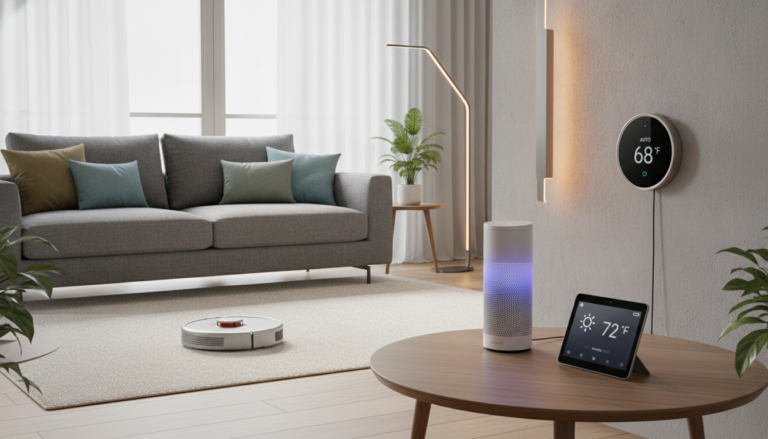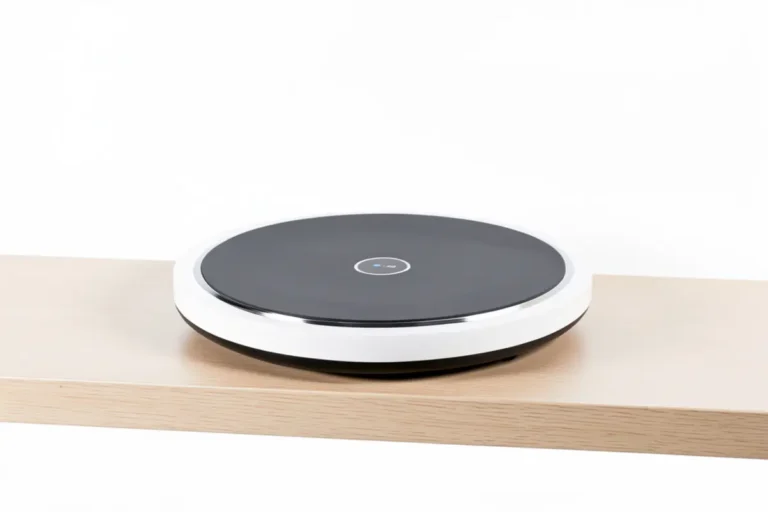

If you’ve been sleeping on a dumb alarm clock while the rest of your bedroom gets smarter, you’ve probably started wondering whether a smart speaker alarm clock is actually worth the upgrade — or whether you’re just inviting a corporate microphone onto your nightstand. That’s exactly the question I sat with before finally pulling the trigger on this one. Waking up on time sounds simple until you’re groggy at 6am, fumbling for your phone, missing reminders, or yelling into a dead Bluetooth speaker. This device is designed to fix all of that while sitting quietly (well, relatively quietly) on your bedside table.
Affiliate Disclosure: This post contains Amazon affiliate links. If you buy through them, HomeGadget.tech may earn a commission at no extra cost to you. This does not affect which products we recommend or how we evaluate them.
Table of Contents
First, Let’s Talk About Who This Is Really For
Honestly, not every homeowner needs one of these. So before you spend the money, let’s be real about the fit.
This product is a solid choice if you:
- Want to simplify your morning routine without reaching for your phone first thingAre already using smart home devices like smart bulbs or thermostats and want them tied togetherLive alone or with a partner who doesn’t mind occasional wake word activationsValue a cleaner bedroom setup over a pile of gadgets on the nightstand
- Care about privacy but are willing to take some control over device settings
On the flip side, this probably isn’t the right pick if you’re deeply opposed to any always-listening device in your bedroom — full stop. No amount of mute buttons or privacy settings will make everyone comfortable with that, and that’s a completely reasonable position to hold. It’s also not ideal if you have kids in the room who might accidentally trigger it constantly, or if your Wi-Fi is spotty (because a disconnected smart device is just an expensive clock).
Product Overview at a Glance
| Feature | Details |
|---|---|
| Product Name | Smart Speaker Alarm Clock with Voice Assistant |
| Key Features | Voice-controlled alarms, smart home integration, ambient sound modes, LED display, physical mic mute button |
| Compatible Platforms | Alexa / Google Assistant (model-dependent) |
| Price Range | $35 – $75 (varies by retailer and variant) |
| Star Rating | ⭐⭐⭐⭐ (4/5) |
| Best For | Privacy-conscious homeowners who want smart features without a full smart display |
My Honest In-Depth Review
Privacy Features — The Reason I Chose This Over Alternatives
Here’s the thing — when you’re putting any voice assistant device in your bedroom, the stakes feel higher than the kitchen or living room. That’s where you sleep, have private conversations, and generally let your guard down. So the privacy angle wasn’t a minor consideration for me. It was the deciding factor.
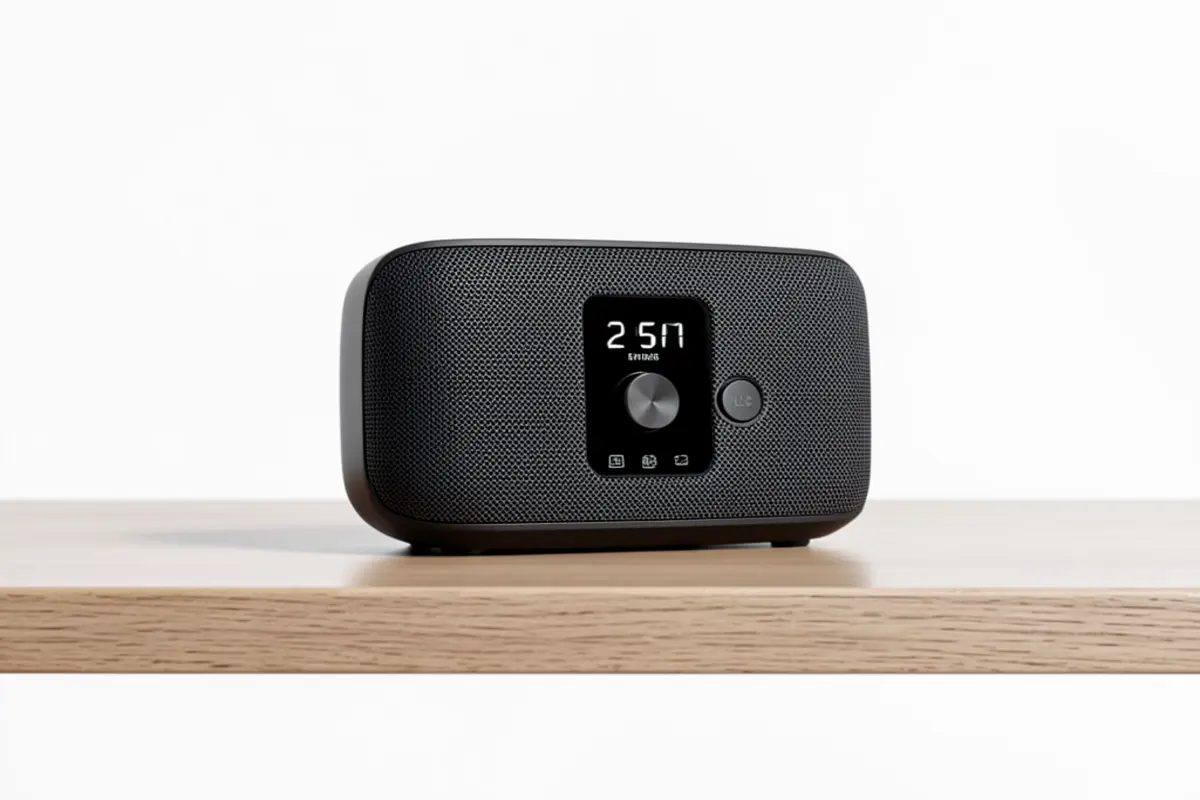
What I genuinely appreciated was the physical microphone mute button. Not a software toggle. A real, physical hardware button that cuts the mic. When that light turns red, I trust it more than any app setting. Some smart devices bury the mute option three menus deep or require a voice command to mute — which is a bit ironic. This one makes it easy to flip it off before bed if you’re not using it overnight.
There’s also the option to review and delete voice history through the companion app, which is something I actually went in and set up on day one. Honestly, most people skip this step and then wonder why the device “knows” their preferences. Taking 10 minutes to configure privacy settings upfront makes a real difference in how comfortable I feel with it long-term.
I’ll be real with you — it’s still a device with a microphone that connects to the internet. If you’re not okay with that premise at all, no feature list changes that. But for those of us who are willing to manage it thoughtfully, the controls are genuinely there.
Performance and Daily Use
Setting alarms by voice is something I didn’t think I’d use as much as I do. Turns out, when you’re half-asleep and remember you have an early meeting, saying “Hey, set an alarm for 6:15am” without unlocking your phone is a genuine quality-of-life improvement. The voice assistant alarm clock functionality works consistently — it recognized my commands about 95% of the time, which is better than I expected in a bedroom environment where I’m not always speaking clearly or loudly.
The speaker quality is decent for a bedside clock. It’s not going to replace a dedicated Bluetooth speaker for music, but for alarm tones, ambient sounds, weather briefings, and the occasional podcast, it handles things well. I noticed a slight compression in bass-heavy tracks, but for a $50 device sitting on a nightstand, that’s a pretty minor gripe.
Smart home integration was solid. I have it set to turn off my bedroom lamp automatically when my alarm is dismissed in the morning — which sounds minor but genuinely helps me actually get out of bed instead of laying in the dark for another 20 minutes.
Appearance and Design
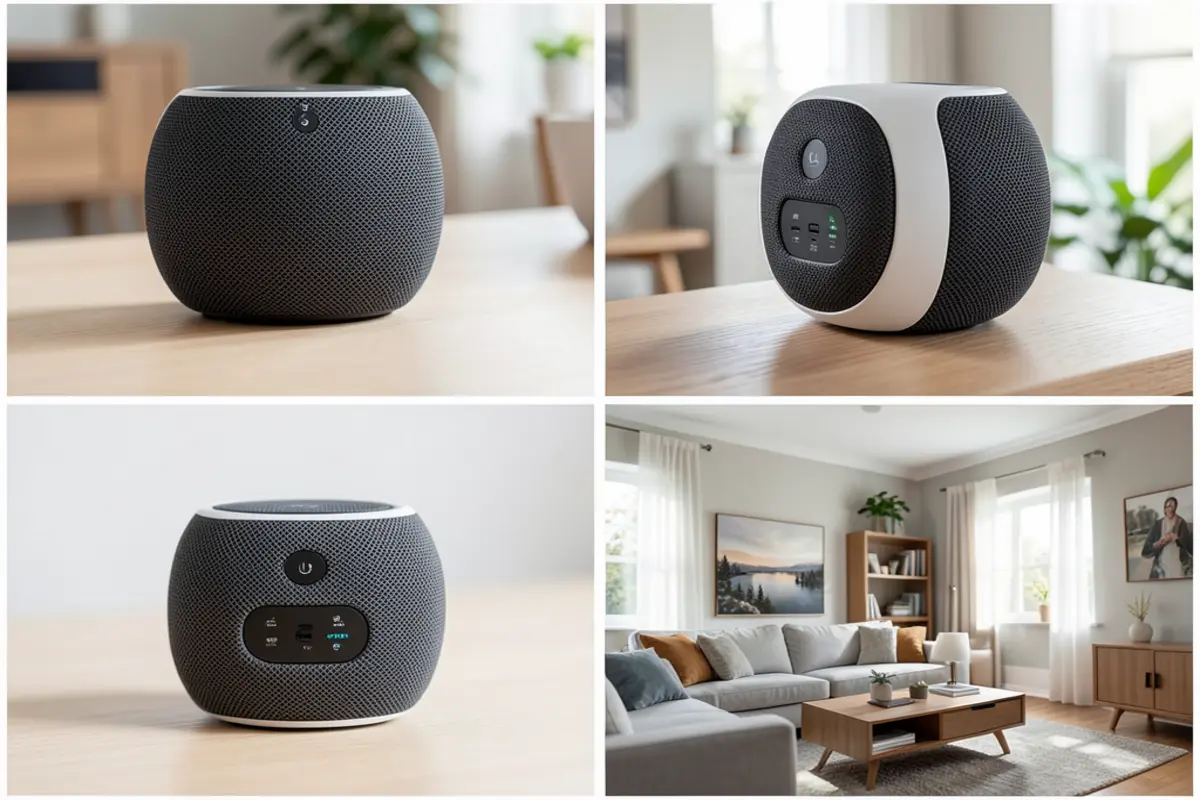
It’s not trying to be flashy, which I actually appreciate. The matte finish, minimal button layout, and subdued LED display fit into a bedroom without screaming “tech product.” The display brightness is adjustable, and at its lowest setting it doesn’t light up the whole room at night — something I tested for a week before I was satisfied.
The build feels solid, not premium. There’s some plastic in the construction that you’d expect at this price point. Nothing feels like it’s going to break, but you’re not getting brushed aluminum or anything like that either.
User-Friendliness for Homeowners
Setup took about 8 minutes including downloading the app and connecting to Wi-Fi. The instructions were clearer than most smart home products I’ve dealt with — no weird QR code hunts or three-step Bluetooth pairing dances. Once it was connected, voice commands worked without additional configuration.
For homeowners who aren’t deep into smart home ecosystems, this is approachable. You don’t need to already own smart bulbs or a hub. It works as a standalone voice assistant alarm clock without any other devices attached. If you do have a smart home setup, connecting it in is optional but adds a lot of value.
Durability and Long-Term Quality
After using it for a while — we’re talking about four months of daily use at this point — nothing has degraded noticeably. The mute button still clicks cleanly, the display hasn’t developed any dead spots, and the speaker hasn’t started rattling. I had one previous smart clock that started having Wi-Fi dropout issues around the three-month mark, so I was watching for that. So far, this one has stayed connected reliably.
Pros and Cons — The Unfiltered Version
What I Liked
- Physical microphone mute button that actually works and is easy to reach in the darkVoice alarm setting is genuinely useful — fast, hands-free, and reliableSmart home integration opens up some convenient automationsLow display brightness setting doesn’t ruin your sleep environmentSetup was quick and didn’t require a technical backgroundAmbient sound modes (rain, white noise) are a nice bonus that actually see daily use
- Privacy controls are accessible and actually documented clearly
What Bothered Me
- The wake word does occasionally trigger at odd times — overheard TV audio set off my alarm twice in one weekCompanion app feels a bit bloated with features most users won’t need, making privacy settings harder to find initiallySpeaker audio quality drops noticeably at higher volumes — distortion creeps in past 70% volumeNo battery backup — a power outage means your alarm isn’t going off in the morning
- The voice history deletion process requires more steps than it should
How It Stacks Up Against the Echo Dot with Clock
The most obvious comparison here is Amazon’s Echo Dot with Clock, which has been a popular choice in this category for a while. The Echo Dot is slightly cheaper in most sales, has a more polished Alexa integration (naturally, since Amazon built both), and frankly has better speaker sound at comparable volumes.
But here’s where this device pulls ahead for privacy-minded buyers specifically: the Echo Dot’s physical mute button is less prominently placed and doesn’t give the same visual confidence. Amazon’s data collection practices are also more tightly baked into the Echo ecosystem — opting out of certain data sharing features involves navigating Amazon’s account settings, not just the device app.
What surprised me was that the independent smart speaker alarm clock had more granular local controls for things like wake word sensitivity. That matters if false activations bother you. If you’re already deep in the Amazon ecosystem and privacy is a secondary concern, the Echo Dot with Clock is a reasonable alternative. But if you’re reading this review because privacy is a priority, the trade-off leans in favor of this device.
Real Questions From Real Buyers
Can I use this without an always-on microphone — like only activate it manually?
Yes, with some trade-offs. You can leave the microphone muted via the hardware button and only unmute when you want to give a voice command. You lose the hands-free convenience, but it’s a workable compromise if you’re cautious. Alarms you set manually through the app still fire normally even with the mic muted.
Does it still work as an alarm if my internet goes out overnight?
This is a legitimate concern. Alarms that are already set and stored locally should still trigger during a brief outage. However, if the device loses connection for an extended period and needs to re-sync, behavior can get inconsistent. There is no battery backup — if the power goes out entirely, the alarm won’t go off. For heavy sleepers counting on it, keep a backup alarm on your phone.
Can I control who in my household can access the voice assistant features?
You can’t biometrically restrict it — anyone in the room who says the wake word can interact with it. Some platforms allow voice profiles that personalize responses, but they don’t block access. If you have people in your home you wouldn’t want controlling your smart devices through this, that’s worth thinking through before buying.
How difficult is it to delete my voice recordings from the cloud?
It takes more steps than it should, honestly. Through the companion app and linked platform account, you can delete individual recordings or set up auto-delete on a schedule (3 months or 18 months typically). Auto-delete is the move — set it up on day one and you don’t have to think about it again. Doing it manually each time is impractical.
Will it integrate with my existing smart home setup, or does it only work within its own ecosystem?
It works with major platforms including Alexa and Google Home routines. If your smart home devices are already connected to one of those, you can incorporate this into existing automations without starting from scratch. Devices on niche or proprietary hubs may need a workaround or may not connect at all — worth checking your specific devices before purchasing.
Final Verdict
For a privacy-aware homeowner who wants the convenience of a voice assistant alarm clock without handing over total control, this device lands in a genuinely good spot. The physical mute button, manageable privacy settings, and reliable alarm performance cover the core needs. It’s not perfect — the false wake activations are annoying, the speaker has volume limits, and the privacy settings should be easier to find out of the box. But the overall package delivers real value for what it costs.
The thing that keeps me coming back to recommend it for this specific audience is the hardware mute. Software-level privacy features can change with a firmware update. A physical switch that cuts the circuit can’t be “updated away.” For a bedroom device, that physical layer of control matters in a way that’s hard to quantify but very easy to appreciate at 2am when you’re reminded it’s there.
If you’re on the fence, the best advice I can give is to configure the privacy settings immediately after setup — don’t leave them at defaults. Once that’s done, day-to-day use is easy, the alarms are reliable, and integrating it into a smart home setup pays off quickly. It’s earned a permanent spot on my nightstand, and that’s not something I say lightly about a device with a microphone in my bedroom.
Ready to try it yourself? Click here to check the latest price on Amazon and see if it’s right for you.