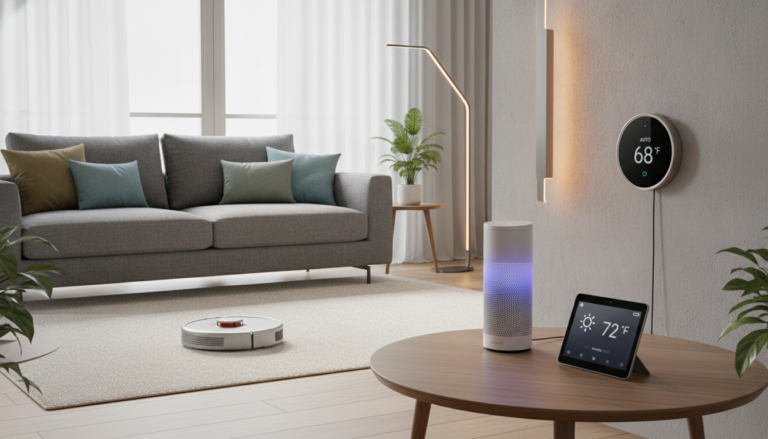

Have you ever fumbled for your keys in the dark, arms full of groceries, wishing your door would just magically open? I sure have. That’s why I finally decided to upgrade my apartment’s standard deadbolt to a Smart Door Knob last month. Let me tell you – it’s been a complete revelation for my tiny apartment living situation!
The Eufy Smart Door Knob has transformed how I enter my home. No more keys to lose, no more wondering if I remembered to lock up, and best of all, it took me (a total tech novice) less than 20 minutes to install. If you’ve been on the fence about upgrading to a keyless entry system but worried about complicated setup or compatibility with your small space, this review might just convince you to make the leap.
Table of Contents
Who Should (and Shouldn’t) Buy This Smart Door Knob
Before I dive into the details, let’s talk about whether this smart lock is right for you.
This is perfect for you if:
- You’re a renter in a small apartment (the installation doesn’t permanently modify your door)You’re new to smart home technology and want something simple to start withYou regularly misplace your keys or hate carrying themYou want basic security features without a complicated setup
- You have limited space and need a compact smart lock solution
This might not be for you if:
- You need a solution for a complex entry system (like a gate plus door)You want advanced integration with a comprehensive smart home systemYou have an unusual door thickness (this works best with standard residential doors)You prefer traditional key access as your primary method
- You live in extreme weather conditions (very hot or very cold climates)
Product Overview: What You Need to Know
| Product | Eufy Smart Door Knob with Fingerprint Entry |
|---|---|
| Key Features | Fingerprint recognition, PIN code entry, smartphone app control, auto-lock function, temporary access codes |
| Battery Life | Up to 6 months on 4 AA batteries |
| Price Range | $129-$159 (depending on sales and promotions) |
| Compatibility | Standard doors, 1.38 to 1.97 inches thick |
| My Rating | ★★★★☆ (4.2/5) |
User-Friendliness: Perfect for Smart Home Beginners
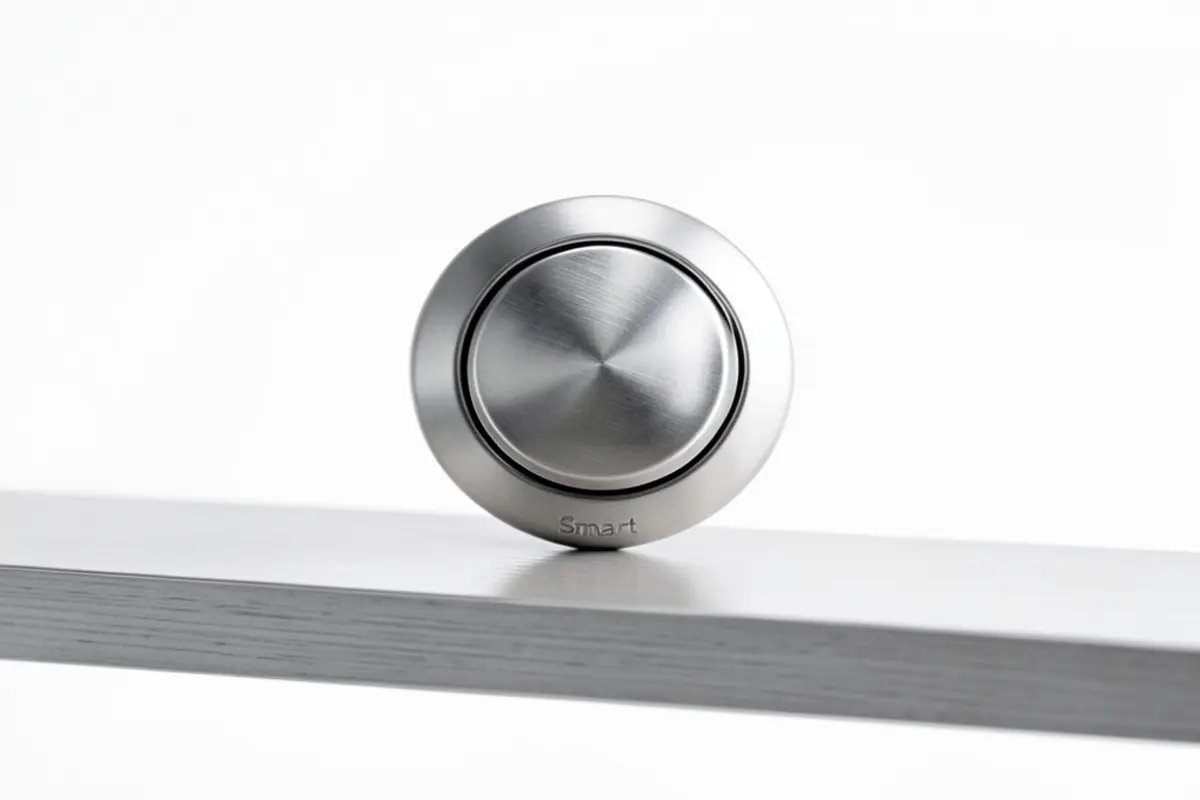
Here’s the thing about smart home tech – it often feels like you need an engineering degree to set things up. Not with this Smart DoorLock. The installation process was refreshingly straightforward. The package includes clear instructions with pictures, and all the necessary tools come in the box.
I was honestly nervous about installing this myself. My DIY skills are… limited, to put it kindly. But it took me less than 20 minutes from opening the box to having a fully functional smart door knob. All I needed was a screwdriver!
Setup Process: Surprisingly Simple
After physical installation, setting up the app took another 5 minutes. The Eufy Security app guides you through each step with clear prompts. I especially appreciate that you can skip the Wi-Fi connection if you just want basic keypad and fingerprint functionality. For tech beginners, this flexibility is a huge plus.
Programming fingerprints and access codes is intuitive. I set up my fingerprint in under a minute, and the system can store up to 50 unique fingerprints. This means you can add family members, trusted friends, or regular visitors without hassle.
Everyday Use
Using the door knob daily has been a breeze. The fingerprint reader works 9 times out of 10 on the first try (only occasionally needing a second attempt if my finger is wet or at an odd angle). The keypad is backlit, making it easy to see at night, and the buttons have a satisfying click to them.
What surprised me was how quickly unlocking became second nature. After just a few days, I stopped reaching for keys altogether. For someone new to smart home tech, this natural transition was really encouraging.
Design and Appearance: Compact Elegance
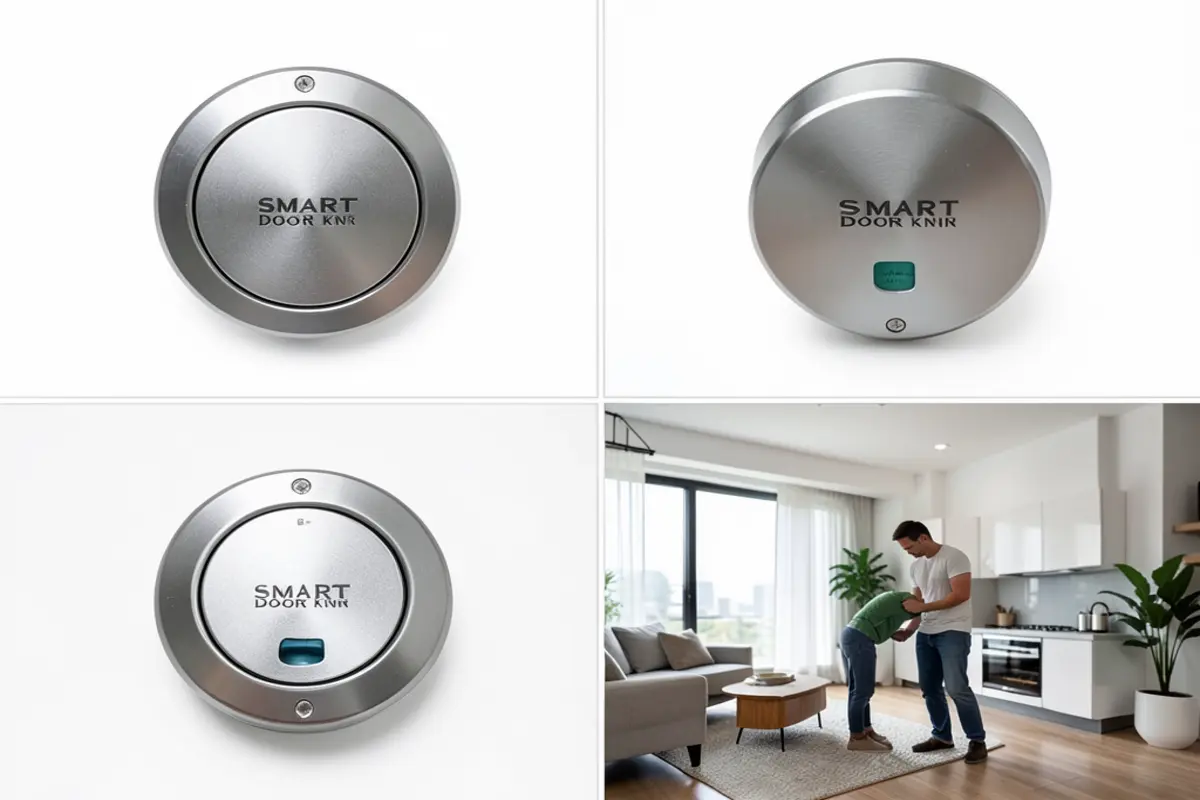
For small apartments or condos, bulky hardware can make doors feel overwhelming. The Eufy Smart Door Knob solves this beautifully with its sleek, minimalist design. It’s available in three finishes (I chose matte black to match my other fixtures), and the overall look is modern without being flashy.
The exterior portion is slim and discrete – from the hallway, it barely looks different from a traditional door knob. This is great for renters who don’t want to advertise that they have fancy tech on their doors.
The interior housing (where the batteries go) is a bit larger but still compact compared to other smart locks I’ve seen. In my small entryway, this matters a lot – there’s limited clearance between my front door and coat rack, and bulkier models would have caused issues.
Build Quality
Despite its reasonable price point, the Smart Door Knob doesn’t feel cheap. The main body is made of zinc alloy, giving it a substantial weight that suggests durability. The fingerprint reader has a subtle glow when activated, and the keypad illuminates evenly.
I was initially concerned about the plastic components, but after a month of heavy use (I’m in and out several times a day), nothing feels loose or wobbly. The turning mechanism is smooth, with none of the grinding or resistance you might expect from a budget option.
Smart Features: Just Right for Beginners
If you’re just starting your smart home journey, this door knob hits a sweet spot between functionality and simplicity.
Unlocking Methods
The Eufy offers four ways to unlock your door:
- Fingerprint: My preferred method – quick and reliablePIN code: You can create up to 50 unique codesSmartphone app: Unlock remotely (when connected to Wi-Fi)
- Traditional key: A backup that provides peace of mind
I love that I can give temporary access codes to visitors or maintenance workers. For example, when my friend stayed over last weekend, I created a code that only worked for 48 hours. Once she left, the code automatically expired – no need for me to remember to delete it.
Auto-Lock Feature
After using it for a while, the auto-lock feature has become my favorite aspect of this Smart Door Knob. You can set it to automatically lock after a specific time period (from 30 seconds to 3 minutes). This has been a game-changer for my peace of mind – I no longer have that middle-of-the-meeting panic moment where I wonder if I locked my door.
App Functionality
The Eufy Security app is clean and intuitive. The main screen shows your lock status (locked/unlocked) and battery level. From there, you can:
- Lock/unlock remotelyView entry logs (who entered and when)Create and manage access codesAdjust auto-lock settings
- Receive low battery notifications
One thing worth noting: while the app doesn’t require a subscription for basic functionality, some advanced features like longer access history retention do require the Eufy Security subscription. For most users, especially beginners, the free features will be more than enough.
Performance in Real Life
I’ll be real with you – I was skeptical about relying on battery-powered technology for something as important as my front door. Would it die and leave me locked out? Would the fingerprint reader work consistently?
After a month of use, I’m happy to report that performance has been reliable. The fingerprint reader works even when my hands are slightly dirty (after gardening) or cold from being outside. It occasionally struggles if my fingers are wet, but the PIN code backup means I’m never stuck.
Battery Life
The smart door knob runs on 4 AA batteries, which Eufy claims will last 6 months with normal use. I can’t verify this yet, but after one month, the app still shows 92% battery remaining, which seems promising. The lock also gives low-battery warnings well in advance, both on the physical device and through app notifications.
There’s an emergency micro-USB port on the bottom that lets you provide temporary power if the batteries die completely – a thoughtful feature that addresses a common worry about Smart DoorLocks.
Connectivity
The Bluetooth connection has been stable within expected range (about 30 feet). The Wi-Fi connectivity occasionally drops for a few minutes, but since the basic unlocking functions work without Wi-Fi, this hasn’t caused any actual problems.
Honest Pros and Cons
What I Love
- Incredibly easy installation – genuinely doable for tech beginnersCompact design perfect for small apartments and tight spacesReliable fingerprint reader that works quickly in most conditionsTemporary access codes that automatically expireAuto-lock feature eliminates worry about forgetting to lock upNo permanent door modifications – ideal for renters
- Traditional key backup for complete peace of mind
Honest Drawbacks
- Fingerprint reader sometimes struggles with wet fingersWi-Fi connection can be spotty, requiring occasional app restartsApp notifications are sometimes delayed by 1-2 minutesLimited integration with other smart home systems (works with Alexa but not Google Home)
- The all-metal exterior can get uncomfortably hot to touch on sunny summer days
Value for Money: Is It Worth It?
At around $140 (though I caught it on sale for $129), the Eufy Smart Door Knob sits in the mid-range for smart locks. After using it for a month, I feel the price is justified by the quality, features, and ease of use.
When I consider that high-end Smart Door Knobs can cost $250+, this feels like a good value, especially for those of us just venturing into smart home technology. You get all the essential features without paying for complex integrations or brand premiums.
The lack of required subscriptions is also a significant value point. Many smart home products look affordable upfront but require monthly fees for basic functionality. With the Eufy, all essential features work subscription-free.
How It Compares: Eufy vs. August Smart Lock
Before choosing the Eufy, I seriously considered the August Smart Lock (3rd Gen), which is another popular option in a similar price range. Here’s how they compare:
Installation: The Eufy replaces your entire door knob, while the August attaches to your existing deadbolt. If you want to keep your current hardware visible from outside, the August might be preferable. However, I found the Eufy installation actually simpler despite being a full replacement.
Size: The August is noticeably bulkier on the inside of your door. In my small entryway, the Eufy’s more compact interior housing was a significant advantage.
Features: The August has better smart home integration (works with more systems) but lacks the fingerprint reader that makes the Eufy so convenient. The August relies primarily on your smartphone’s proximity.
For beginners: The Eufy offers more ways to unlock (fingerprint, keypad, app, key) which provides better redundancy for those new to smart home tech. The August’s heavy reliance on your smartphone working correctly can be stressful if you’re not tech-confident.
For small apartments and smart home beginners, I think the Eufy offers the better combination of features, size, and user-friendliness, though tech enthusiasts looking to build an extensive smart home system might prefer August’s broader compatibility.
Real Buyer Questions
Will this work if I’m renting and can’t make permanent changes to my door?
Yes! This is one of the main reasons I chose this model. The installation replaces your existing door knob but doesn’t require any drilling or permanent door modifications. When you move out, you can swap it back to the original hardware in about 15 minutes, leaving no evidence behind.
What happens if the batteries die while I’m out? Will I be locked out?
You have two backup options: First, there’s a hidden keyhole that works with a traditional key (included). Second, there’s an emergency micro-USB port on the bottom that lets you connect a power bank or phone charger to provide temporary power to unlock the door. I keep the backup key in my car just in case, but haven’t needed it yet.
I’m not tech-savvy at all. How difficult is the setup process?
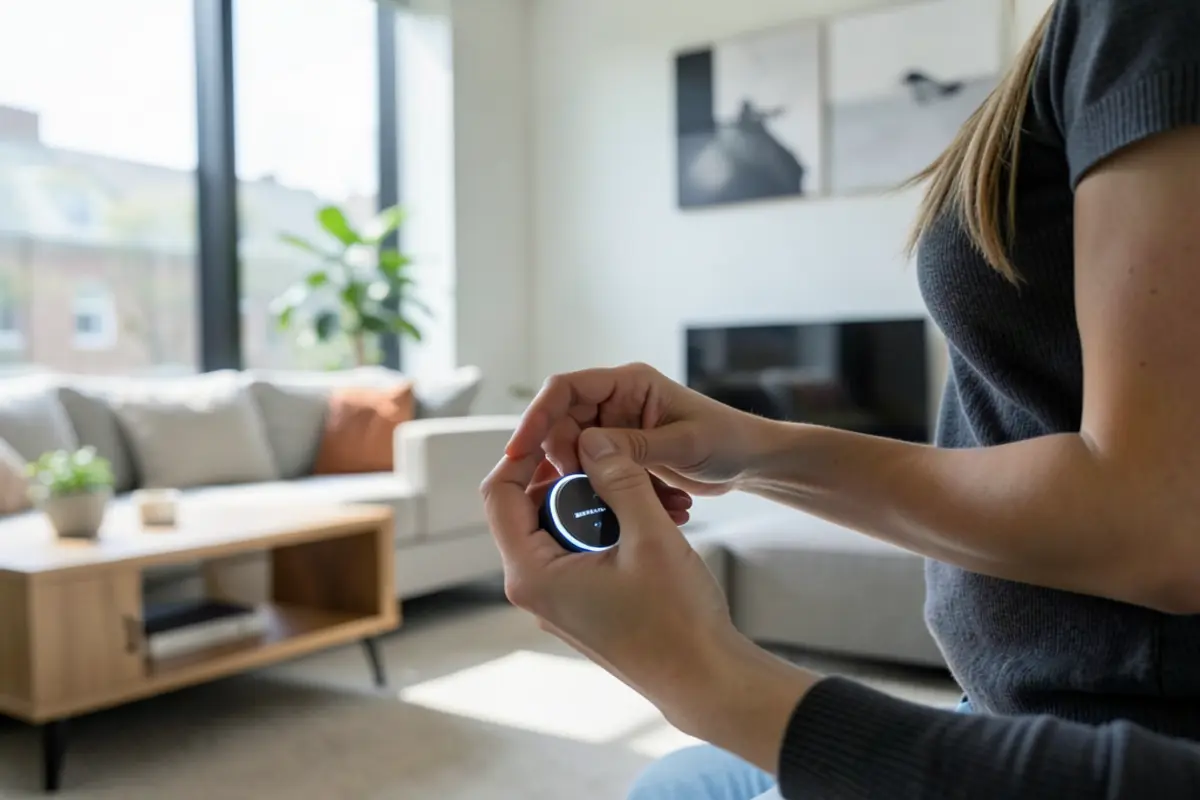
As someone who regularly asks my teenage nephew for tech help, I can honestly say this was surprisingly easy. The physical installation is just removing your old door knob and replacing it with this one—basic screwdriver work. The app setup walks you through everything with clear pictures. If you can install a new light switch or set up a new smartphone, you can handle this.
Does it work with other smart home devices I might get in the future?
It works directly with Amazon Alexa, allowing you to lock/unlock by voice command when paired with an Echo device. It doesn’t currently support Google Home or Apple HomeKit natively. If building an extensive smart home system is your eventual goal, you might want to consider which ecosystem you’ll be using before purchasing.
How secure is it really? Can someone hack it?
The communication between the app and lock is encrypted, and the fingerprint data is stored locally on the device, not in the cloud. Physical attempts to force the lock would be just as difficult as with a traditional door knob. The greatest vulnerability would be if someone obtained your phone and knew your app password, but the same could be said about someone stealing your physical keys. For everyday residential security in an apartment setting, it provides good protection without being fortress-level.
Final Verdict: A Perfect Starter Smart Lock for Small Spaces
After living with the Eufy Smart Door Knob for a month, I’m genuinely pleased with my purchase. For small apartment dwellers especially, its compact design and easy installation hit the sweet spot. The combination of fingerprint access, keypad, and traditional key backup creates a flexible system that feels both modern and reliable.
What impressed me most was how approachable this made smart home technology. As someone who isn’t naturally tech-inclined, I appreciated the thoughtful design that anticipated potential problems (like dead batteries) and provided simple solutions. The temporary access codes have already proven useful multiple times for visitors and maintenance workers.
While no product is perfect—the occasional Wi-Fi connectivity issues and fingerprint reader struggles with wet hands are minor annoyances—the overall experience has been overwhelmingly positive. For the price point, you’re getting a well-designed, reliable Smart Door Knob that doesn’t require a tech expert to install or operate.