
Upgrading your apartment’s security doesn’t have to mean a complicated installation or angry landlords. After spending three weeks with the August Wi-Fi Smart Lock, I’m genuinely impressed by how much security and convenience it adds without requiring any permanent modifications to your door. As someone who’s tried numerous smart deadbolt lock systems, I can confidently say this is one of the most renter-friendly options available today.
What struck me immediately was how it installs over your existing deadbolt—meaning no structural changes to your door and no permission needed from your landlord. For anyone living in a rental who’s been eyeing smart home security but worried about deposit deductions, this solves a real headache.
Who Should (and Shouldn’t) Buy the August Wi-Fi Smart Lock
This lock is ideal for:
- Renters who can’t modify their doors permanentlySmart home beginners looking for an easy entry pointPeople who frequently forget their keys or need to grant access remotely
- Those sharing space with roommates who want to track who comes and goes
However, you might want to look elsewhere if:
- You want a complete deadbolt replacement with an external keypadYour door has an unusual or incompatible deadbolt typeYou prefer something with a sleeker, less noticeable design
- You’re looking for a budget option under $150
Honestly, if you own your home and don’t mind a more involved installation, you might be better served by a full replacement smart lock. But for renters seeking an easy-to-install, easy-to-remove solution, August hits the sweet spot.
August Wi-Fi Smart Lock at a Glance
| Product Name | August Wi-Fi Smart Lock (4th Generation) |
| Key Features | Auto-lock/unlock, Wi-Fi built-in, works with existing deadbolt, keyless entry, activity monitoring, guest access |
| Price Range | $199-$249 |
| Rating | ★★★★☆ (4/5) |
| Smart Home Compatibility | Apple HomeKit, Google Assistant, Amazon Alexa |
Installation Experience: Surprisingly Simple
I’ll admit, I approached the installation with some anxiety. Most smart lock installations I’ve tried have been at least somewhat intimidating, but August has truly optimized for simplicity.
The entire process took me about 15 minutes, which is remarkable for any smart home product. You simply:
- Remove the interior thumbturn of your existing deadboltAttach the August mounting plate
- Clip on the lock itself
The companion app walks you through each step with clear illustrations. What I appreciated most was not needing any special tools—the included adhesive tape even helped hold things in place while I worked.
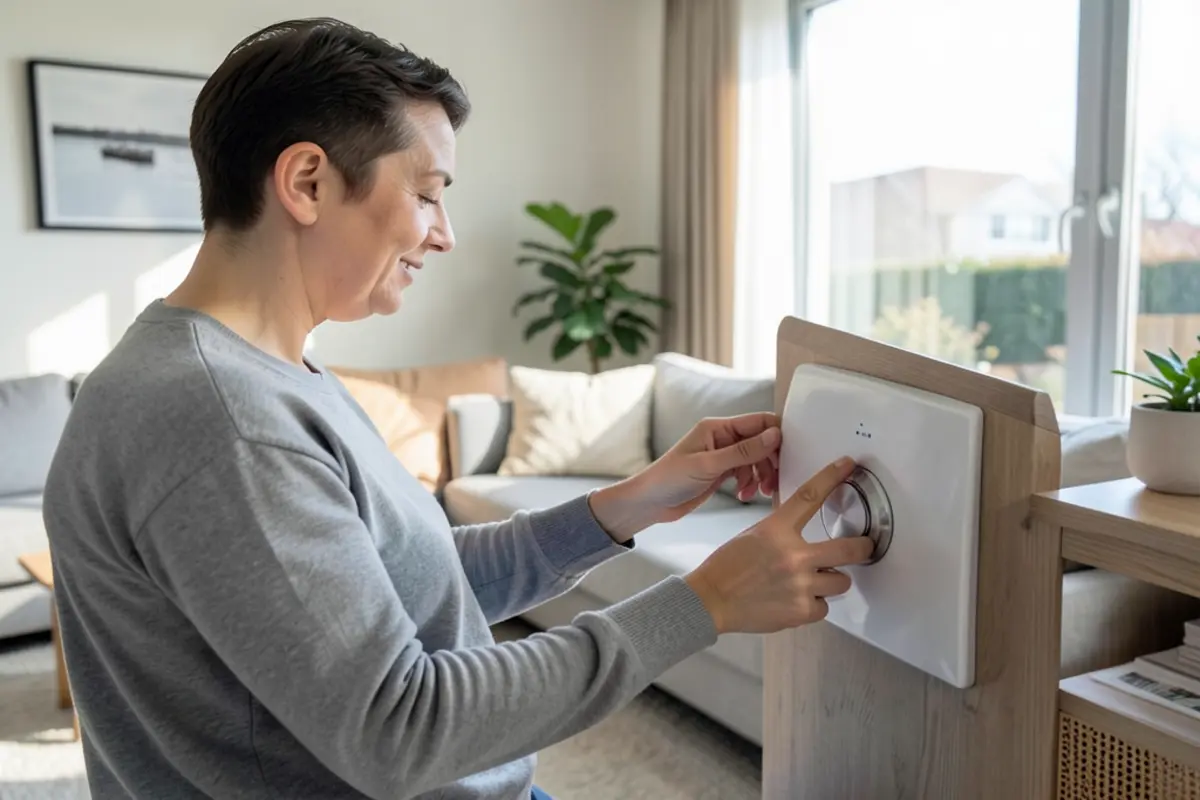
For renters, this approach is brilliant because your original hardware remains intact. When your lease ends, you can remove the August lock, reinstall your original thumbturn, and take your smart lock to your next home.
A Note on Compatibility
Before purchasing, I’d recommend checking the compatibility checker on August’s website. While it works with most standard deadbolts, some European-style locks and mortise locks won’t work. In my case, my standard Schlage deadbolt was perfectly compatible.
Design and Build Quality
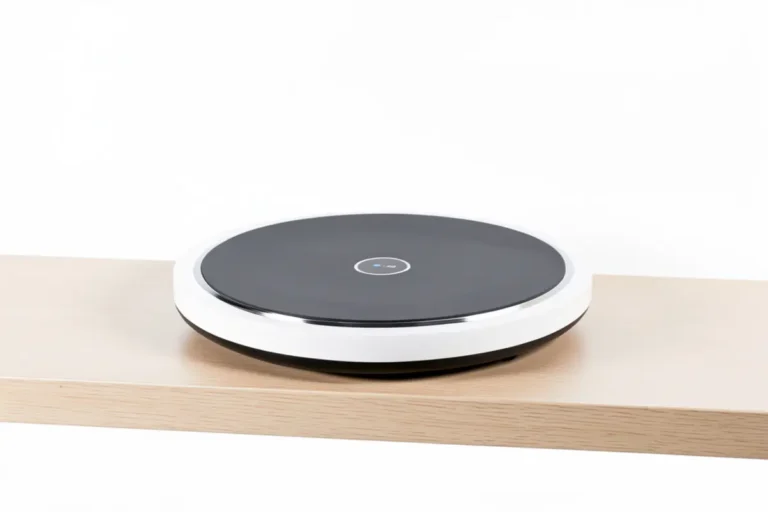
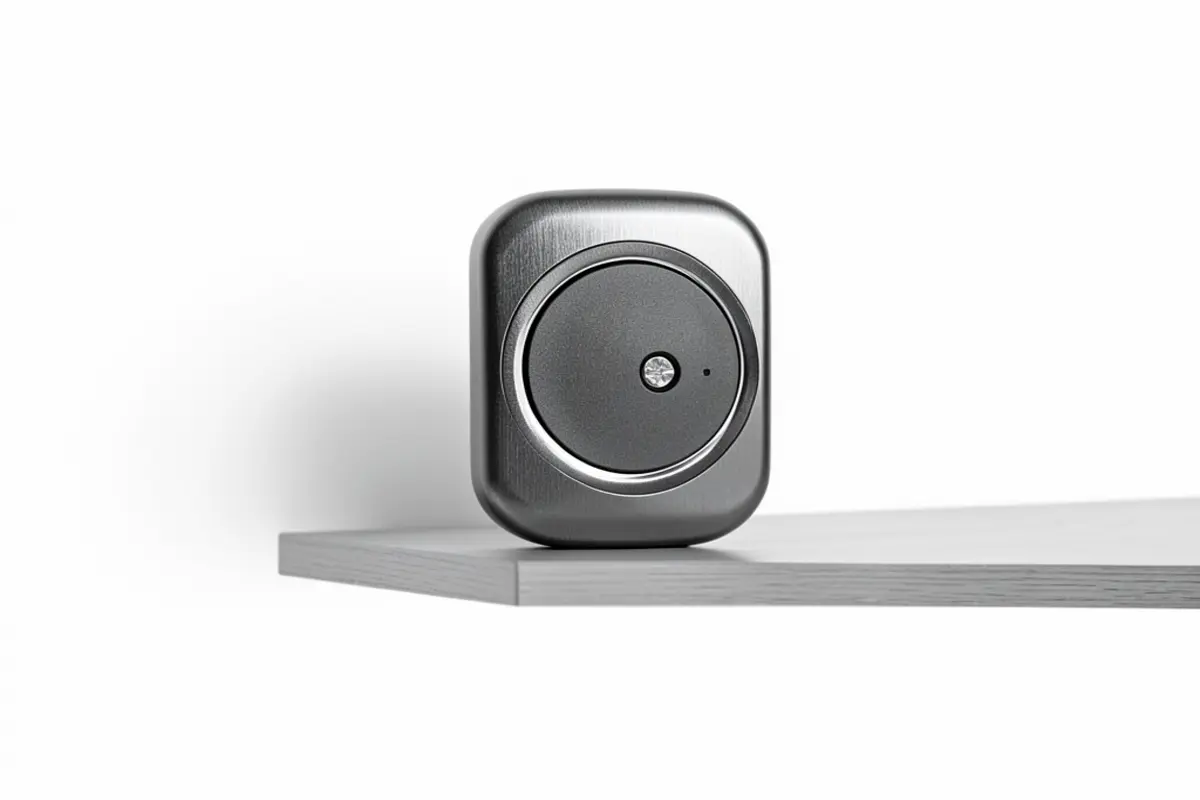
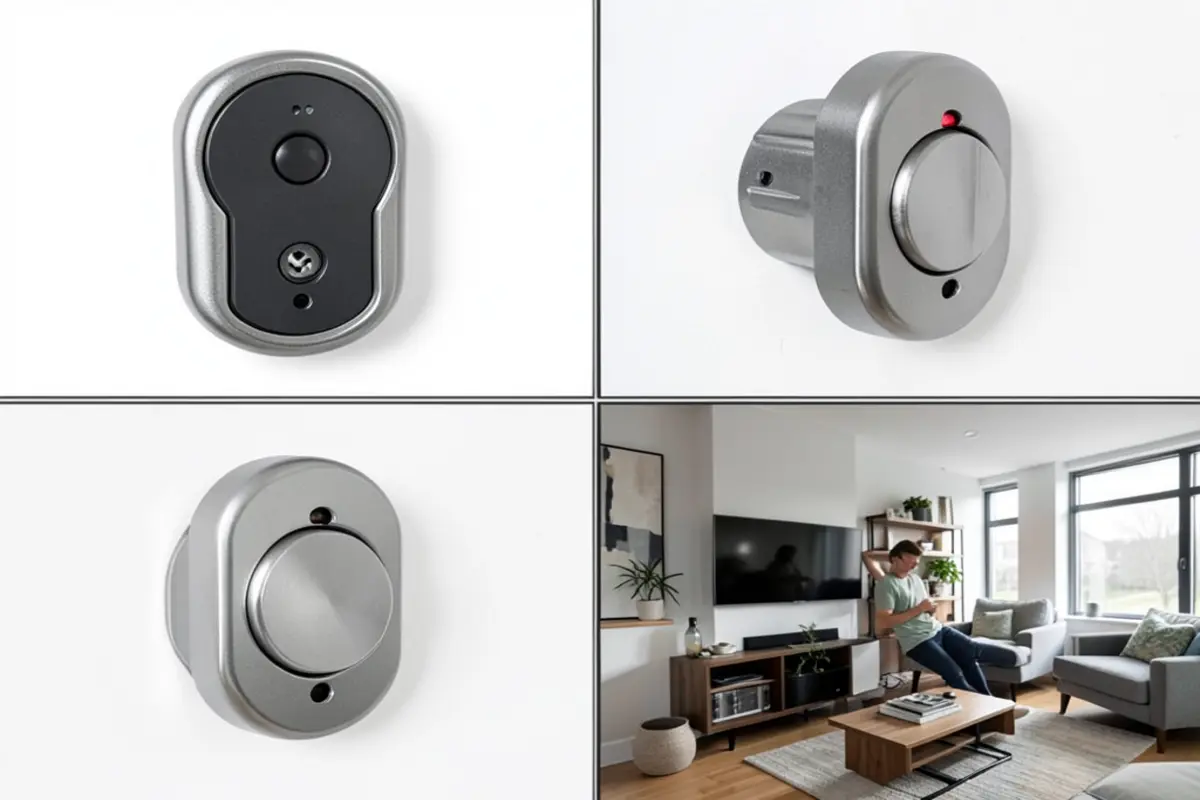
The August Wi-Fi lock isn’t trying to be the most beautiful thing on your door. It’s noticeably bulky—about the size of a hockey puck—and protrudes from the interior side of your door. The matte aluminum finish with textured grip does look modern and feels substantial, but it’s definitely more functional than fashionable.
What surprised me was the weight. At 45% smaller than previous models, it’s still heavier than expected, which actually gives it a premium feel. The rotating mechanism has a satisfying click when turning, and the manual control feels sturdy.
From the outside of your door, no one can tell you have a smart lock installed. This is a nice security feature and another advantage for renters—nothing visible externally means landlords have no reason to object.
Battery access is simple via a pop-off faceplate, and you’ll need two CR123 batteries (included), which August claims will last 3-6 months. I’ve had mine for three weeks with heavy testing, and the battery indicator still shows 92%.
Smart Features: More Than Just Keyless Entry
The August Wi-Fi’s feature set is impressive, especially for its size:
Auto-Unlock is a Game-Changer
After a week of use, I’ve come to rely on the auto-unlock feature. The lock detects when you’re approaching home and automatically unlocks the door. I’ll be real with you—it took some getting used to (and proper setup), but now it works reliably. Walking up to my apartment with groceries and having the door unlock automatically feels like living in the future.
It uses geofencing and seems to have a range of about half a block in my urban setting. In three weeks, it’s had only one hiccup where I had to pull out my phone and unlock manually.
Remote Access Without Extra Hardware
Unlike many smart deadbolt lock systems that require a separate bridge or hub, the August Wi-Fi has built-in Wi-Fi connectivity. This means you can check your lock status and control it from anywhere—not just when you’re within Bluetooth range.
When my neighbor needed to water my plants while I was visiting my parents for the weekend, I was able to unlock the door from 300 miles away. The app showed me exactly when she arrived and left, which provided great peace of mind.
Smart Home Integration
The August works with virtually all major smart home platforms. I tested it with both Alexa and Google Assistant, and both worked reliably for voice commands like “Hey Google, lock the front door.” HomeKit compatibility also means it works within Apple’s ecosystem if that’s your preference.
If you’re a renter just starting to build a smart home, this level of compatibility means you’re not locked into any specific ecosystem—a smart choice for future flexibility.
User Experience: Perfect for Beginners
After using it for a while, I’m convinced August designed this product specifically with smart home beginners in mind. The app is intuitive, with a simple, animated lock/unlock button as the main interface. You can clearly see lock status and battery life at a glance.
Setting up guest access is particularly well thought out. You can grant permanent access, recurring access (like for a house cleaner who comes every Tuesday), or temporary access with specific start and end times. Each guest receives an invitation via email or text message.
What I found especially useful as a renter with roommates was the activity feed. It logs every lock and unlock event, showing who accessed the apartment and when. This brought unexpected peace of mind when I was traveling.
The app notifications are customizable, so you can choose to be alerted only for the events you care about. I eventually turned off the standard lock/unlock notifications and kept only the “door left ajar” warnings.
Potential Drawbacks
Pros:
- Super easy installation that doesn’t modify your doorNo need for a separate bridge or hubReliable auto-unlock when approaching homeDetailed activity loggingWorks with all major smart home platforms
- Can be moved to future apartments
Cons:
- Bulky design on the interior side of your doorBattery life is shorter than competitors (3-6 months vs. 1+ year)CR123 batteries are less common than standard AA/AAAOccasionally slow to respond when connecting remotely
- Premium price point compared to some alternatives
I do wish August would improve the battery life. Having to change them every few months feels like an unnecessary hassle. And though the connection is generally stable, there have been a couple of instances where I’ve experienced a 5-10 second delay when trying to control the lock remotely.
How It Compares: August vs. Yale Assure Lever
The Yale Assure Lever ($249) is a direct competitor that replaces your entire door handle rather than just working with your existing deadbolt. This is a key difference for renters.
The Yale requires a more invasive installation but includes a keypad for code entry—something the August lacks unless you purchase their separate keypad ($60). However, the Yale often requires landlord permission since it replaces hardware completely.
August’s approach makes more sense for most renters because:
- It’s removable with no traceYou don’t need permission to install it
- You can take it to your next apartment
That said, if you don’t need remote access and prefer a keypad entry, the Yale might be better for you—assuming your landlord approves.
Real Buyer Questions
Will my landlord know I installed a smart lock?
From the outside of your door, the August lock is completely invisible since it only replaces the interior thumbturn. Your original keyhole remains functional, so your landlord can still use their key. Unless they enter your apartment and notice the device on the inside of your door, they’d have no way of knowing you’ve installed it.
What happens if the batteries die while I’m outside?
You can still use your physical key to open the door—the August doesn’t replace your existing keyhole. The app also provides low battery warnings well in advance. In my testing, I received my first low battery notification when the charge reached 20%, which August says gives you about 2-3 weeks of normal use before complete failure.
Can my roommates use the smart lock too without sharing my account?
Yes! This is one of August’s strengths. You can invite roommates to have their own “owner” access through the app, which gives them full control without sharing your login credentials. Each person gets their own entry in the activity log, so you can see who locked or unlocked the door at what time.
Will the auto-unlock feature work if I have neighbors who live very close by?
August’s auto-unlock uses both geofencing and Bluetooth, so it won’t unlock just because you’re near your building—you need to be at your specific door. In my apartment building, I’ve never had an issue with my door unlocking when I was just walking past to reach the stairs. The feature has been surprisingly precise.
If I lose my phone, can someone else gain access to my apartment?
If you lose your phone, you can log into your August account from any device and remove that phone’s access immediately. The app also requires authentication (PIN, fingerprint, or Face ID) to unlock doors, adding an extra layer of security. I’d recommend enabling these security features during setup—they’re optional but important.
Final Verdict: The Perfect Starter Smart Lock for Renters
After three weeks of living with the August Wi-Fi Smart Lock, I’m thoroughly impressed by how well it balances ease of use with genuine utility. For renters and smart home beginners especially, it solves problems without creating new ones—no small feat in the world of smart home devices.
Its non-permanent installation and invisible external profile make it uniquely suited to rental situations, while its intuitive app and reliable performance provide meaningful security and convenience benefits. Yes, the price point is premium, and the device itself isn’t the most elegant thing you’ll install in your home. But the thoughtful design and seamless functionality outweigh these drawbacks.